 Diag Drive
How to Read Fault Codes on Any Car (Without a Garage Visit)
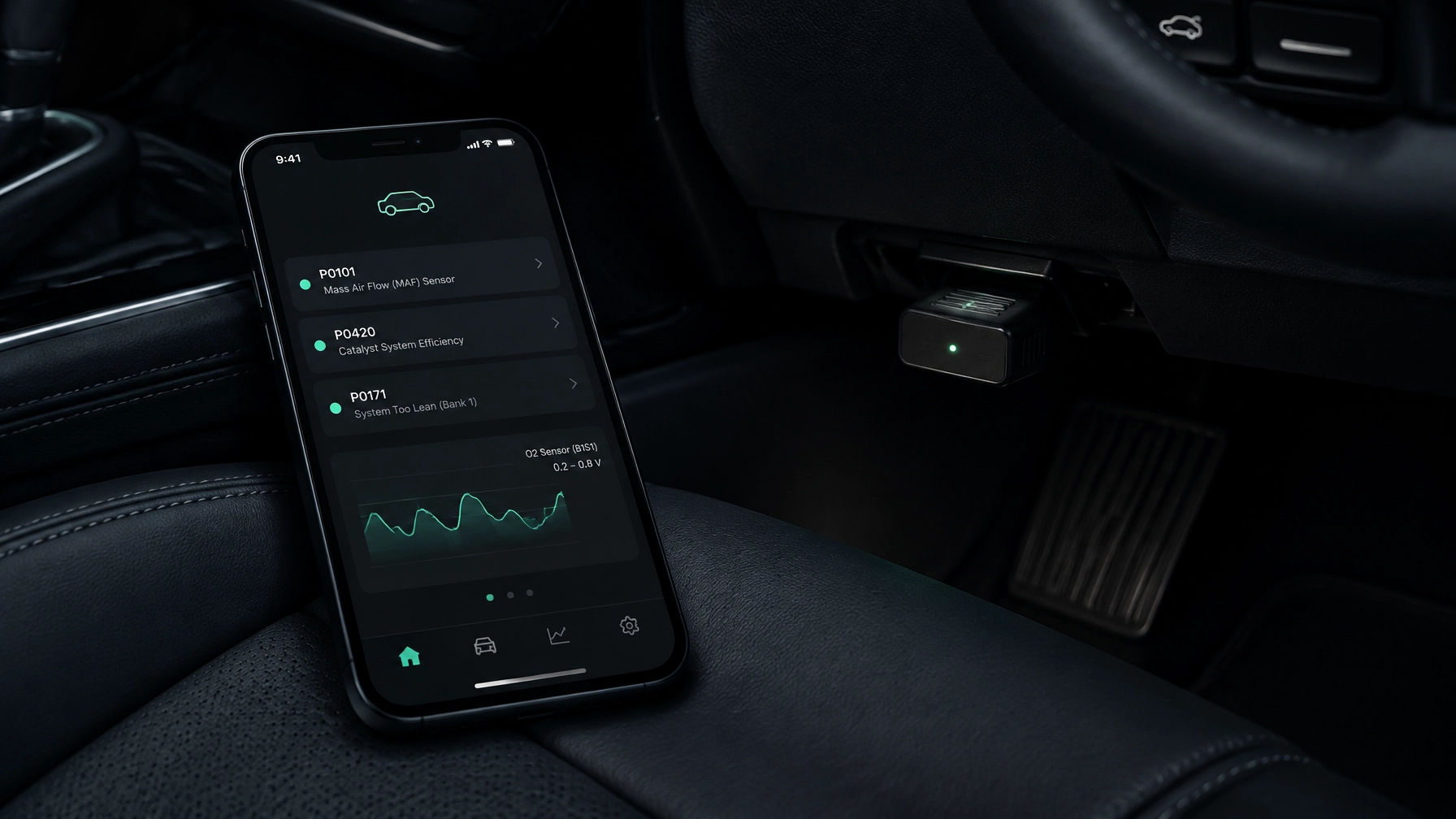
SEO title: How to Read Car Fault Codes at Home | Diag Drive
Meta description: Learn how to read car fault codes with an ELM327 adapter and your phone, understand what the results mean, and know when to visit a garage.
You can read your car’s fault codes at home with a small OBD-II adapter and a compatible phone. Connect the adapter, open a scanner app and check the codes the car has stored.
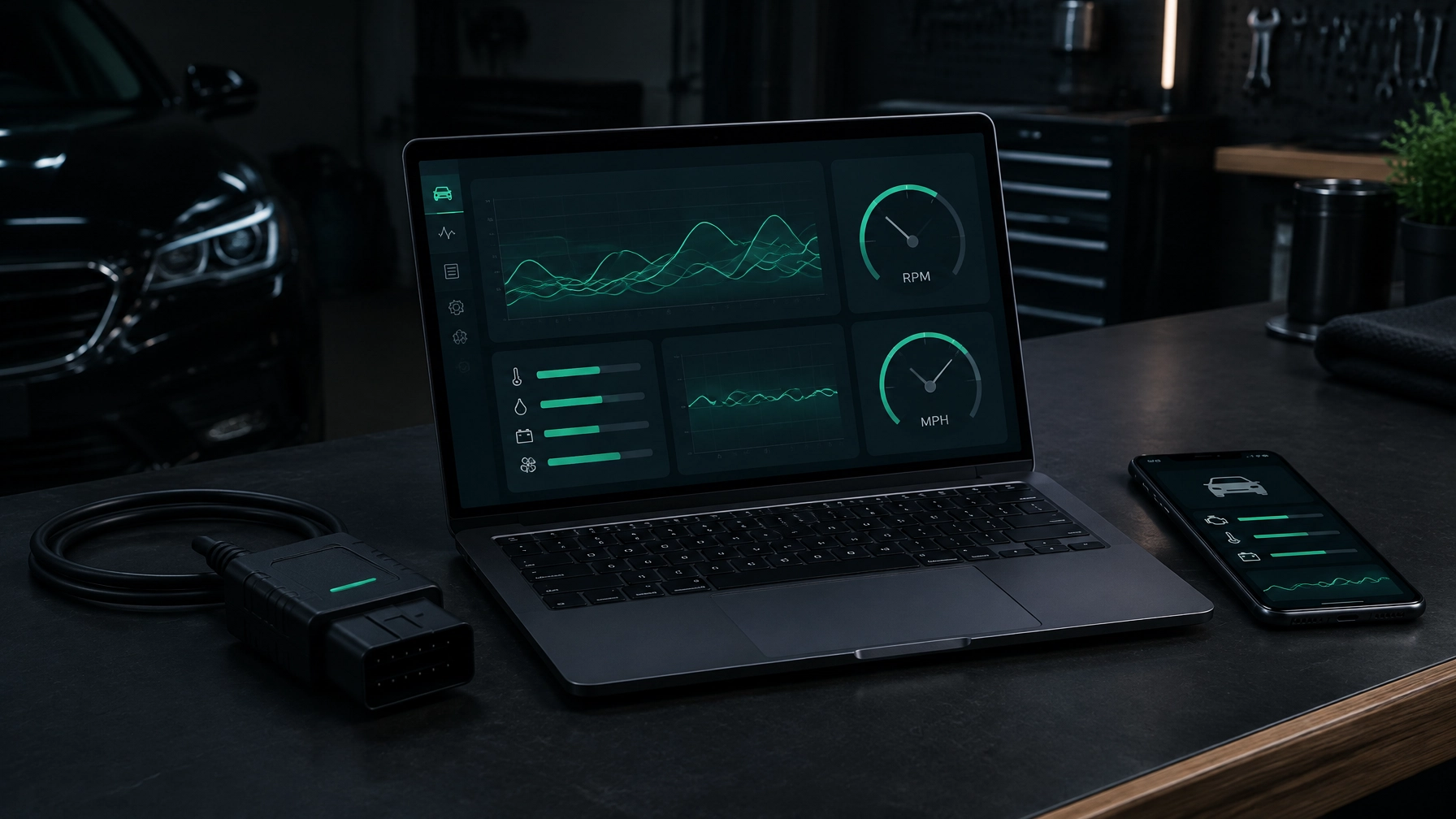
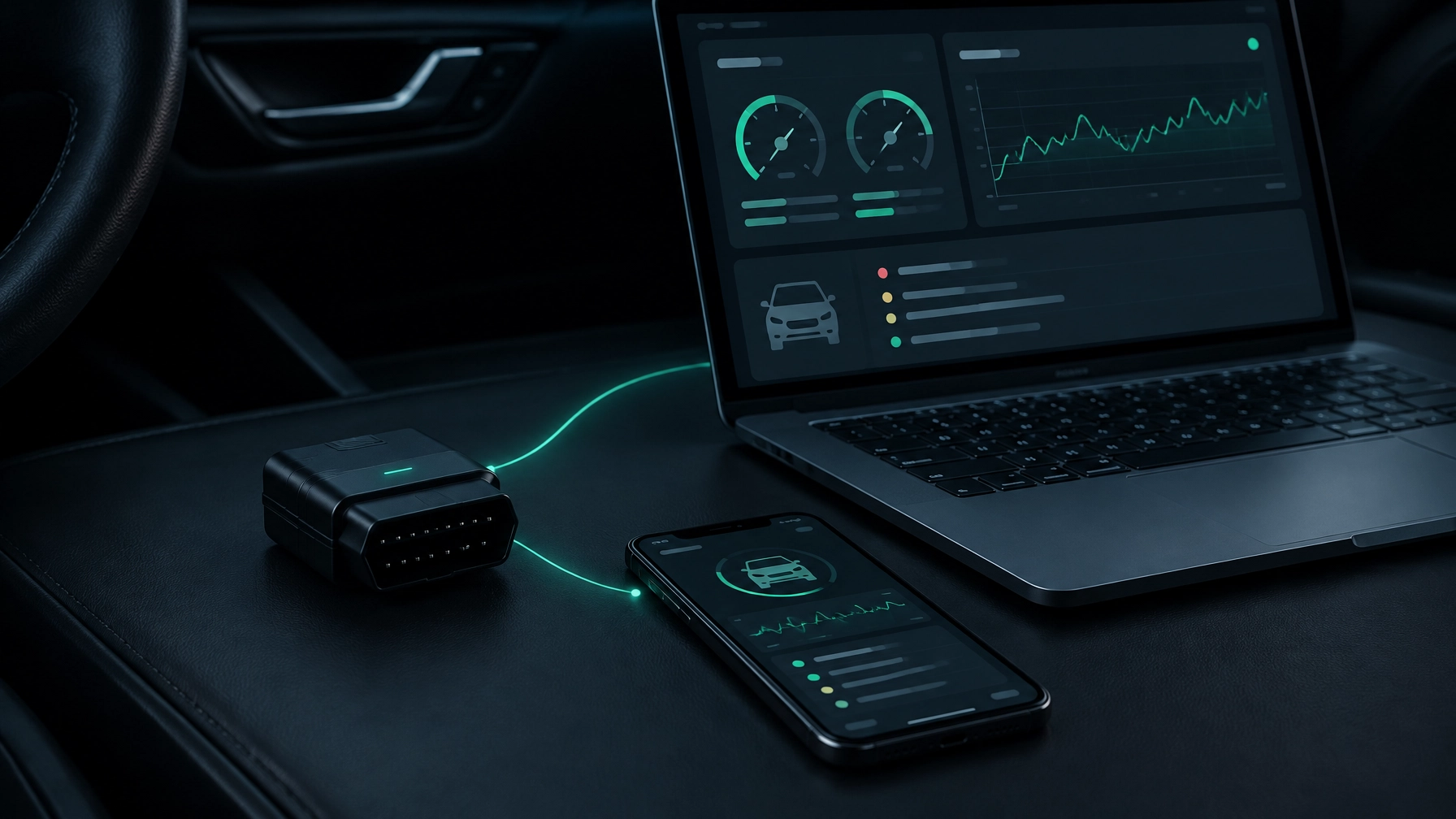
You’ll need an ELM327 adapter, your phone and the car. For iPhone, choose a Bluetooth Low Energy (BLE) or Wi-Fi adapter. Android also works with classic Bluetooth adapters. USB adapters aren’t supported on phones — though if you’d rather use a computer, the Diag Drive desktop app for Mac and Windows does work with USB adapters.
What is a fault code?
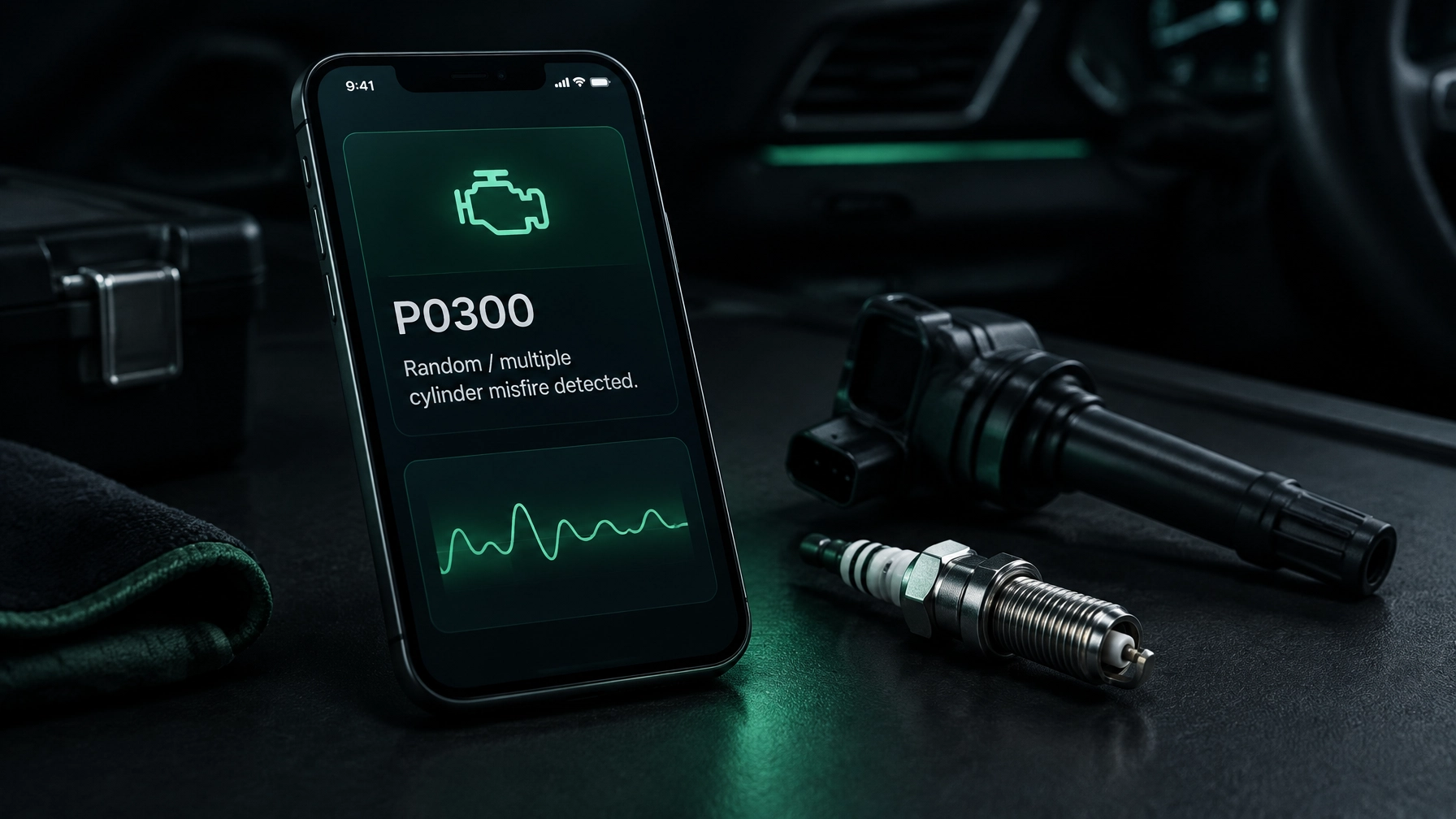
A fault code is a message the car’s computer stores when it detects a problem. It can help you work out what needs checking, but it does not always identify the exact broken part.
Most UK petrol cars first registered from 2001 and diesel cars from 2004 have an OBD-II diagnostic port. OBD-II is the standard system that lets a scanner communicate with the car’s computer. A code such as P0420 is one example of the information it can provide.
The first letter gives a broad clue about the system involved:
| Letter | System |
|---|---|
| P | Powertrain: engine and gearbox |
| B | Body: for example, doors or airbags |
| C | Chassis: for example, brakes or suspension |
| U | Network: communication between vehicle systems |
Your car may not support every type of scan through a standard adapter. Some systems need a vehicle-specific tool, and availability varies by make and model.
Where is the OBD-II port?
The port is usually under the dashboard on the driver’s side, near the steering wheel. It may be in the driver’s footwell or behind a small cover.
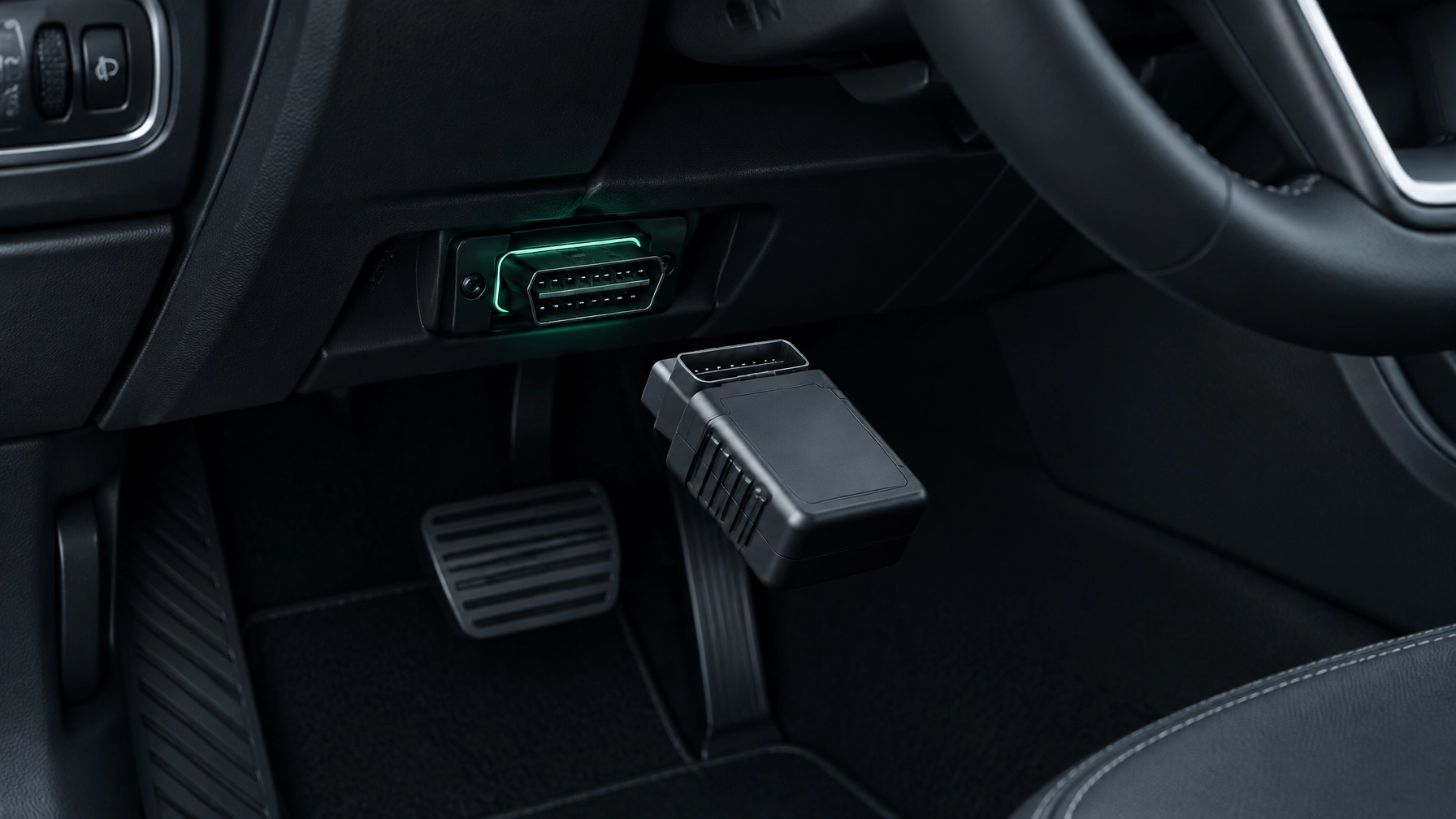
Check your car handbook if you can’t find it. The socket has a distinctive shape with 16 pin positions. Don’t force the adapter into it; it should fit the right way round.
How to read your car’s fault codes
- Park safely. Apply the handbrake and switch off accessories. You can usually read codes with the engine off.
- Plug in the adapter. Find the OBD-II port and insert the ELM327 adapter gently.
- Turn on the ignition. Switch the key or start button to the position that turns on the dashboard lights. You don’t normally need to start the engine to read stored codes.
- Pair the adapter with your phone. Follow the adapter’s instructions. On iPhone, use a BLE or Wi-Fi adapter; on Android, classic Bluetooth adapters are supported too.
- Open Diag Drive and connect. The app reads and clears codes, and explains them in plain English.
- Read and save the results. Write down or photograph every code and its status before clearing anything. The explanation can point to common causes, but it isn’t proof that a particular part has failed.
- Check the extra information. If available, look at freeze-frame data, a snapshot of selected engine readings from around the time the fault was recorded. Note any pending codes as well as confirmed ones.
For help getting started, visit the Diag Drive homepage. To use the app, get Diag Drive here; it sends phones to the App Store or Google Play, and computers to the Mac and Windows downloads.
What do the codes mean?
A code describes what the car’s computer has detected, not necessarily the cause. For example, a code relating to a sensor could be caused by the sensor, its wiring or another problem affecting the reading. Use the explanation as a starting point for checks, not as an instruction to replace a part.
You may see codes with different statuses:
- Stored or confirmed: The car has recorded the fault according to its detection rules. A warning light may be on.
- Pending: The car has noticed a possible problem, but it hasn’t yet met the conditions to confirm it. It’s still worth recording and checking.
A fault can be intermittent, meaning it comes and goes. If a code appears once and then disappears, keep a note of it and watch for it returning.
What to do after reading the codes
Start with the code explanation and the symptoms you’ve noticed. Check simple things only if you can do so safely, such as whether a loose fuel cap or visibly damaged hose could be relevant. Don’t replace parts based on a code alone.
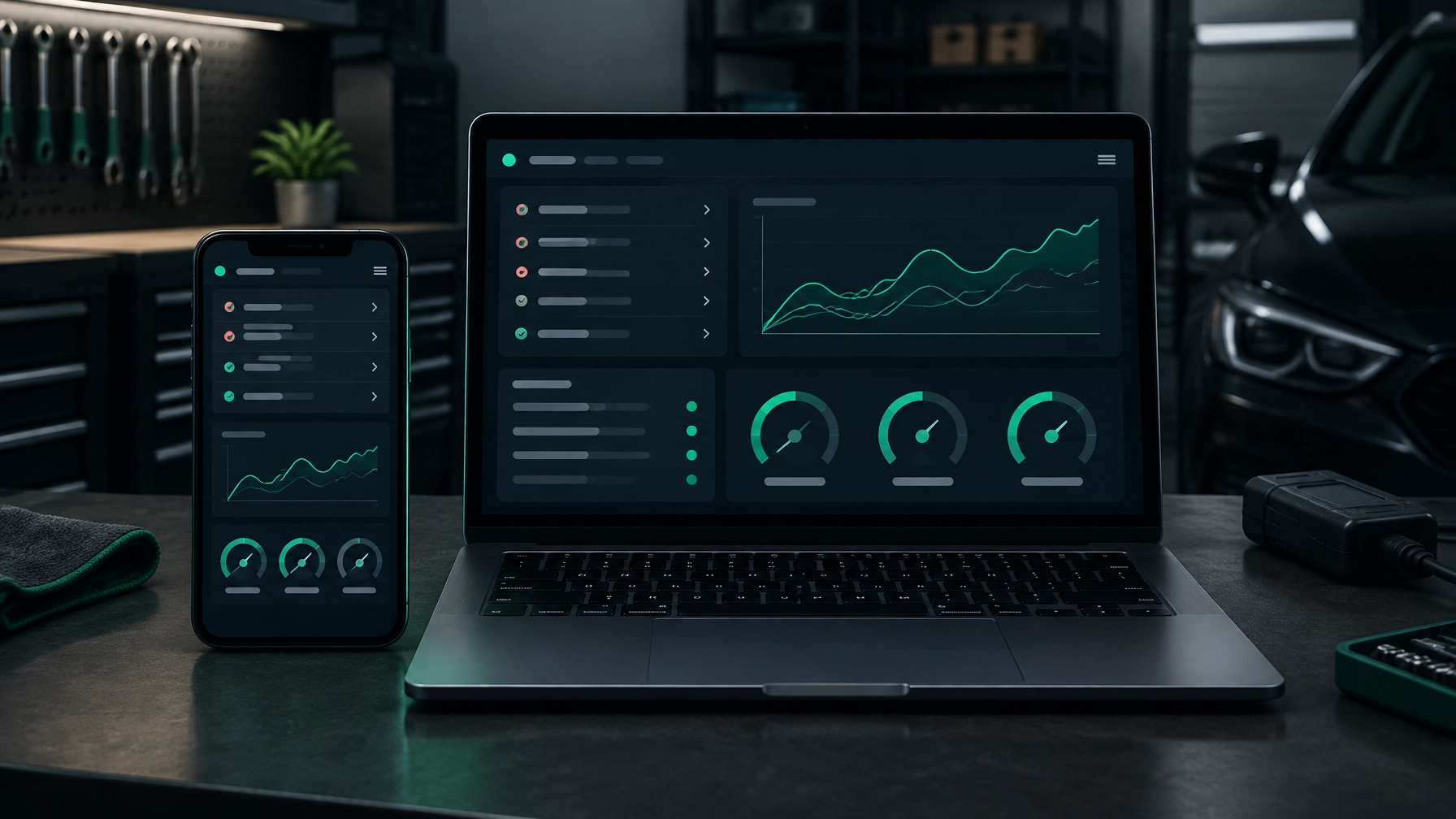
If you want more context, use live data: information the car reports while it is running, such as engine speed or temperature. Diag Drive can show live data and graphs. These readings may help you spot a pattern, but they may need someone with the right experience to interpret them.
You can also ask the AI mechanic for help by describing the problem, adding a photo or recording the noise the car is making. It can help you think through what to check next; it can’t confirm a repair or inspect the car in person.
A warning light, a code or an app explanation can’t tell you whether the car is safe to drive. If the fault involves brakes, steering, airbags or another safety-related system, arrange a garage check. Get help too if the fault keeps returning, the cause is unclear, or checking it would involve wiring or specialist work.
For more on warning lights, see Engine Management Light On? What It Means and What to Do.
Common mistakes beginners make
- Buying the cheapest unknown-brand adapter. Check that it supports your phone and your car before buying — our guide to the best OBD2 scanners in the UK explains what to look for.
- Clearing codes before saving them. You may lose useful details about what the car detected.
- Assuming a code names the broken part. It points to a detected issue; the cause still needs checking.
- Ignoring pending codes. They can be an early sign of a problem, even if no warning light is on yet.
- Treating a cleared code as a repair. If you haven’t fixed the cause, the code or warning light may return.
Frequently asked questions
Can I read fault codes without a scan tool?
Usually, you need an OBD-II adapter to retrieve standard codes from the car’s computer. Some cars show limited information on the dashboard, but that isn’t a substitute for a scan.
Will reading codes cost me anything?
Diag Drive includes 3 free diagnoses. After that, DIY costs £1.99 per week or Pro costs £4.99 per week.
Do I need to pay a garage just to read codes?
Not necessarily. A compatible adapter and phone app can read codes at home. A garage may charge for diagnosis, and a professional check can be worthwhile when the cause is unclear or the fault is safety-related.
Can I read codes on any car?
No single reader is guaranteed to work on every car. OBD-II is generally available on UK petrol cars from 2001 and diesel cars from 2004, but compatibility can vary by vehicle and by system. Check your handbook and adapter compatibility if the app can’t connect.
Why do I need an adapter at all?
The adapter connects your phone to the car’s OBD-II port so the app can read information from the car’s computer. Without one, the app can’t retrieve the car’s stored codes or live data.
Take the next step
Read and save the codes before clearing anything. Use them to guide your checks, and ask a garage to investigate if the fault is persistent, unclear or safety-related.
If you’re still deciding what equipment you need, our guide to car diagnostic tools compares the options.