 Diag Drive
ELM327 Software: The Best Apps for iPhone, Android, Mac and Windows (2027)
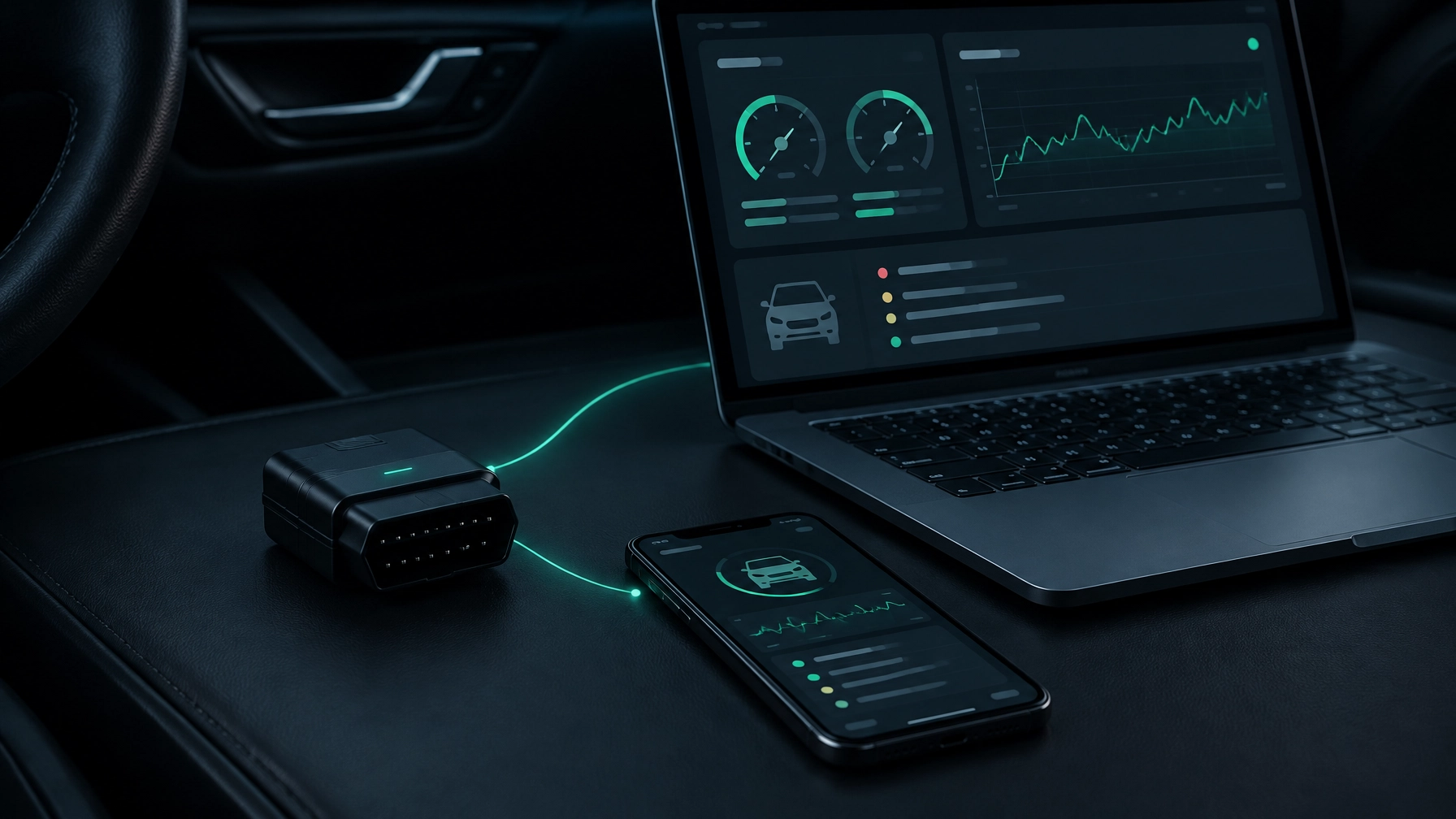
Bought an ELM327 adapter and wondering which software to use? The right choice depends on your device: iPhone needs a BLE or Wi-Fi adapter, Android can use all three common wireless types, and a Mac or Windows laptop can use a USB cable too.
This guide explains what the adapter does, which types work with each device, and what to expect from free and paid diagnostic software. Compatibility can depend on your exact adapter, car and operating system, so check those details before buying.
What an ELM327 adapter actually does
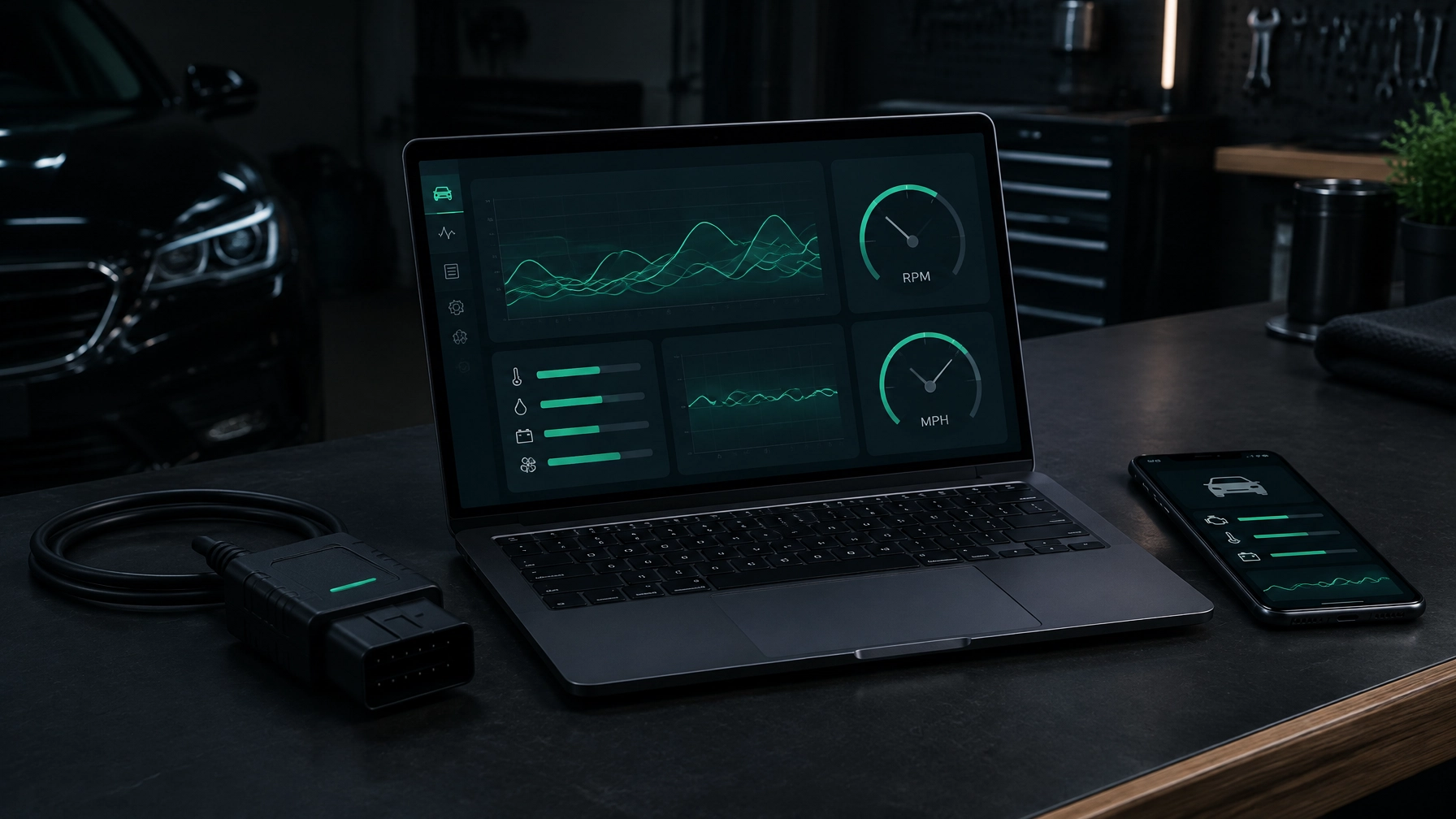
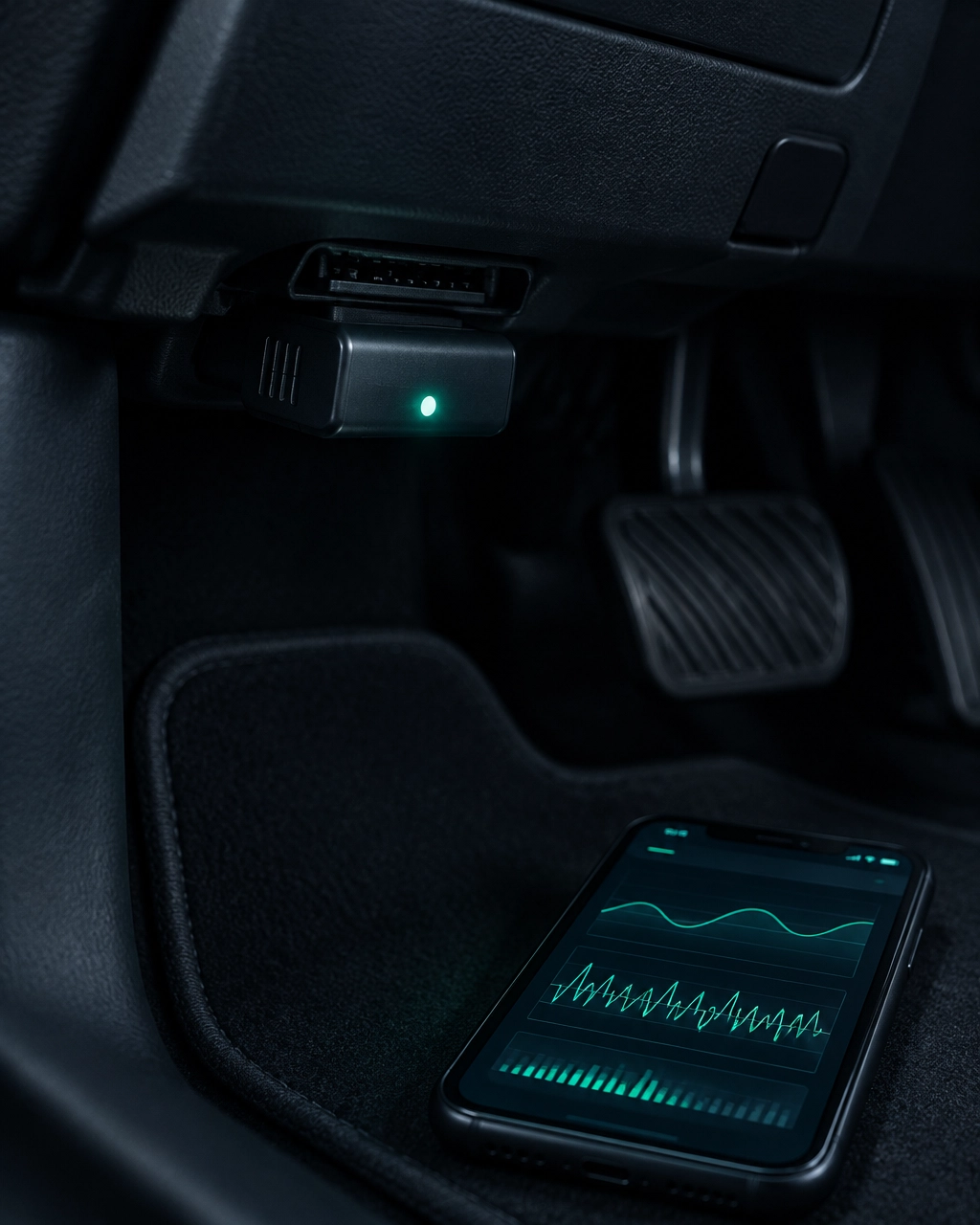
An ELM327 adapter is a small interpreter between your car and a diagnostic app. It plugs into the OBD-II port, the standard socket used to read information from the car’s onboard computer, and sends that information to your phone or computer.
The port is usually under the dashboard, near the steering wheel. Most UK petrol cars from 2001 and diesel cars from 2004 support standard OBD-II checks, although the features available vary by vehicle.
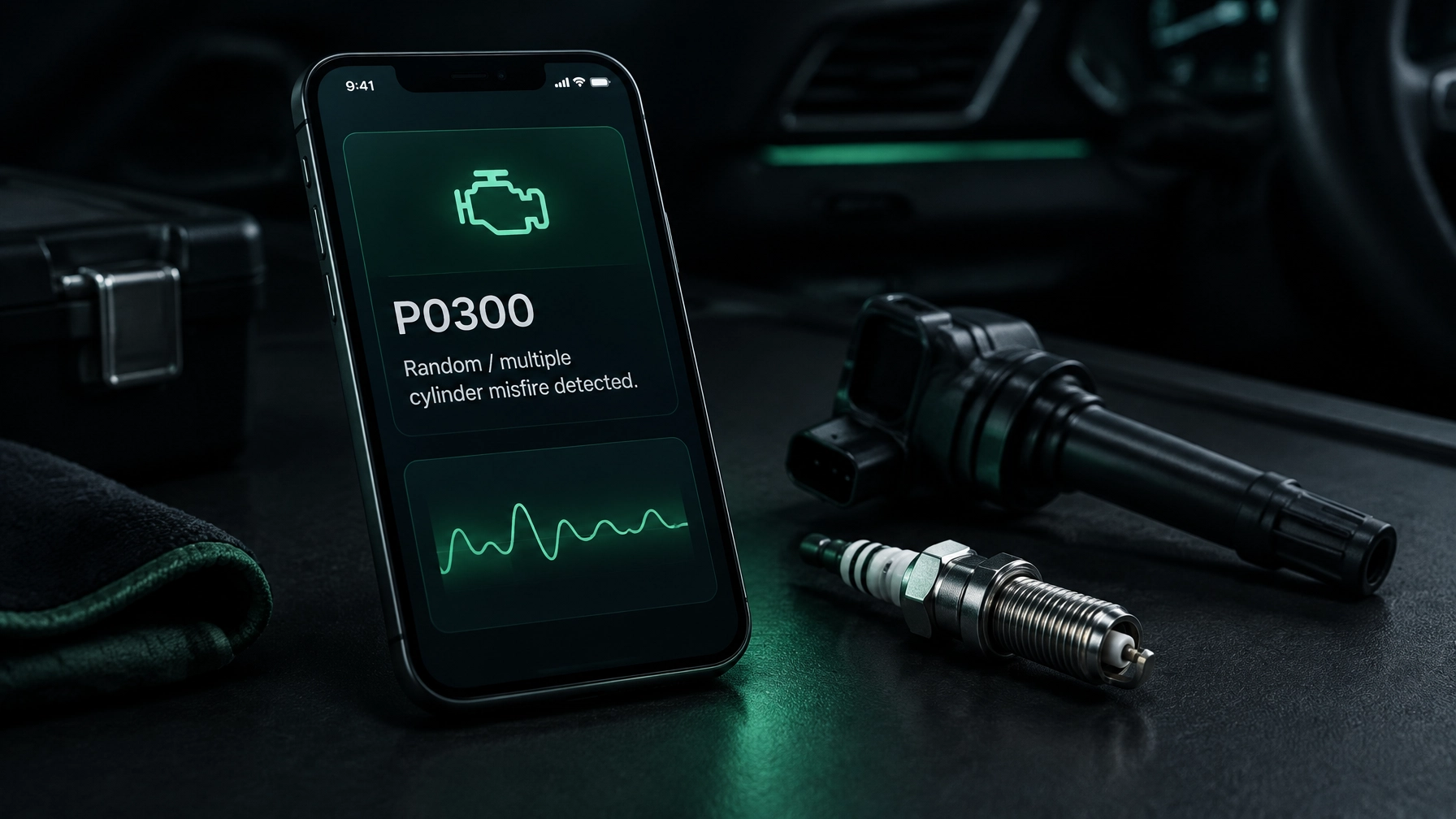
A basic scan can read engine and emissions fault codes. A fault code is a message the car stores when it detects a problem. It can point towards an area that needs checking, but it does not always identify the exact failed part.
Which ELM327 adapter works with which device?
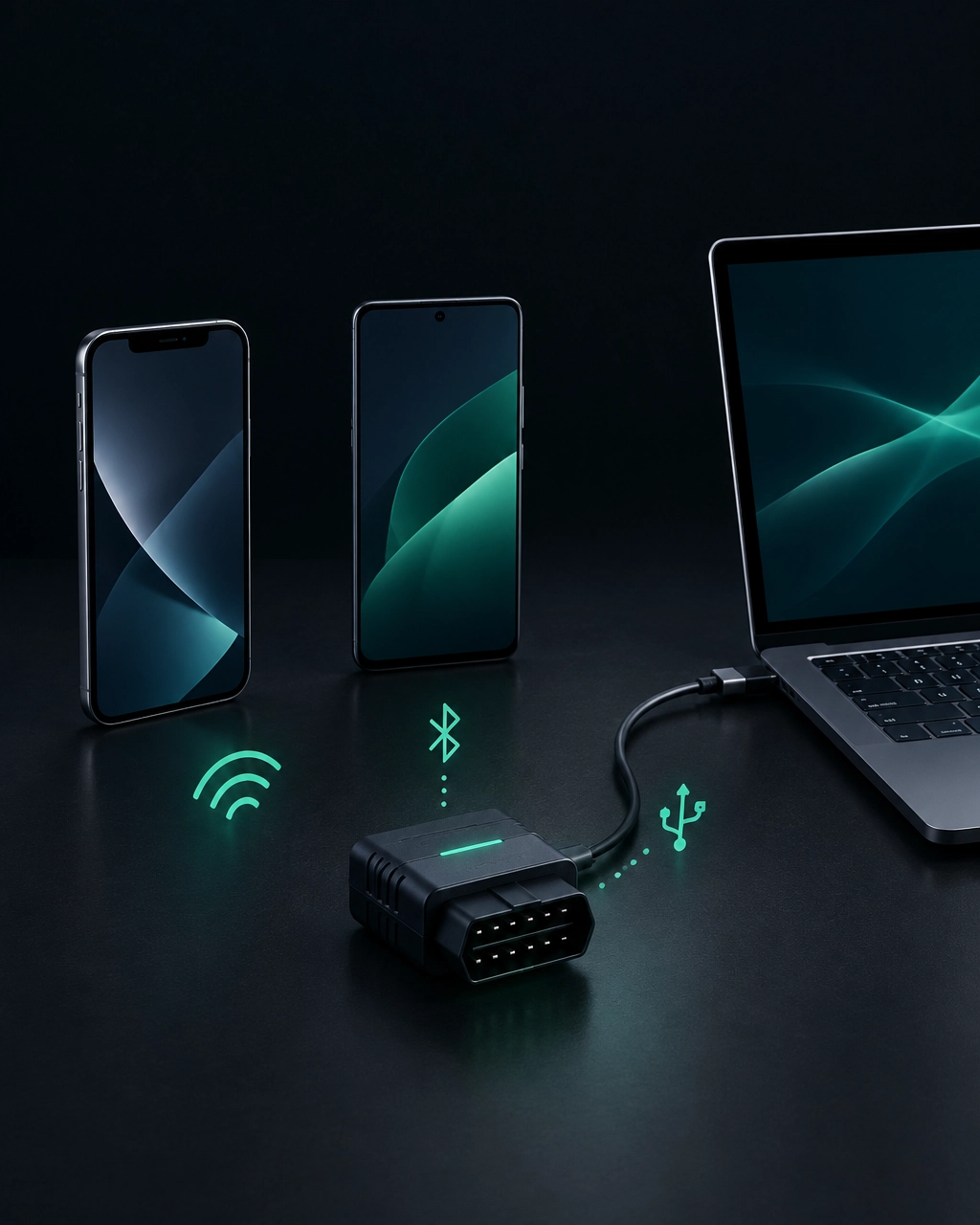
ELM327 adapters connect over Bluetooth Classic, Bluetooth Low Energy (BLE), Wi-Fi or USB. The right type depends on both your device and the software you plan to use.
| Adapter type | iPhone | Android | Mac | Windows |
|---|---|---|---|---|
| Bluetooth Classic | No, in most cases | Yes | Depends on software and adapter | Depends on software and adapter |
| Bluetooth Low Energy (BLE) | Yes | Yes | Depends on software and adapter | Depends on software and adapter |
| Wi-Fi | Yes | Yes | Depends on software and adapter | Depends on software and adapter |
| USB cable | No | No | Yes, with compatible software and drivers | Yes, with compatible software and drivers |
The key iPhone limitation is Bluetooth Classic. Apple does not support generic Bluetooth Classic ELM327 adapters for this type of connection, so choose BLE or Wi-Fi instead. Android supports Classic Bluetooth as well as BLE and Wi-Fi.
USB adapters are for computers, not phones. If you already own a USB OBD cable, a desktop app may be the simplest option. Check that the software supports your operating system and that any required cable driver is available.
Choosing a reliable adapter
A low-cost adapter can be enough for a basic scan, but the very cheapest unknown-brand models may have connection dropouts, unreliable firmware or little support if something goes wrong. The version number printed on an adapter is not, by itself, a guarantee of quality.
Before you buy, check:
- The connection type works with your phone or computer.
- The app you want to use supports that adapter type.
- The seller provides clear compatibility information and a returns policy.
- For a USB cable, the computer’s operating system and any required drivers are supported.
Paying a little more for a clearly specified adapter can save time troubleshooting. For more help choosing equipment, see our honest guide to the best OBD2 scanner in the UK.
What the software can do: free apps vs paid diagnostics
Free code-reader apps can be useful for retrieving basic engine codes. Some also let you clear codes or display selected live readings. The amount of explanation and guidance varies: you may get a code and a short definition, but still need to work out what to check next.
Paid diagnostic software may add clearer code explanations, live data graphs and emissions readiness checks. Live data means readings reported by the car as they change, such as engine speed or temperature. Graphs can make changes easier to follow than a list of numbers.
No app can guarantee a diagnosis. A code is a useful clue, not proof that a particular component has failed. The systems you can scan also depend on your car and the software. Standard OBD-II usually focuses on engine and emissions information; access to ABS, airbag, transmission and body systems varies by make and model.
If this is your first scan, our guide explains how to read fault codes at home. You can also compare different kinds of equipment in our guide to car diagnostic tools, their costs and uses.
Diag Drive for ELM327: one app for phone and computer
Diag Drive connects an ELM327 adapter to an iPhone, Android phone, Mac or Windows computer. On iPhone, use a BLE or Wi-Fi adapter; Android also supports Classic Bluetooth. The Mac and Windows desktop app works with USB, Bluetooth or Wi-Fi adapters.
It can show live data and graphs, explain fault codes in plain English, and check emissions readiness. It also supports all-module scans (checks beyond the engine, including ABS, airbag, transmission and body systems) on Ford Transit and BMW. The modules available depend on the vehicle.
The AI mechanic works without an adapter. Describe the symptom, add a photo or record the noise to get guidance. It does not read stored vehicle codes without an adapter or replace a hands-on inspection.
Diag Drive includes 3 free diagnoses; DIY is £1.99 per week and Pro is £4.99 per week. To get started, download Diag Drive or visit the Diag Drive website.
Step by step: connecting your ELM327 adapter
- Check the adapter type. For iPhone, use BLE or Wi-Fi. For Android, Classic Bluetooth, BLE or Wi-Fi can work. On a Mac or Windows computer, a compatible USB, Bluetooth or Wi-Fi adapter can be used.
- Find the OBD-II port. It is usually beneath the dashboard on the driver’s side. Check your handbook if you cannot locate it.
- Park safely and plug in the adapter. Make sure it is seated properly. Do not force it into the socket.
- Switch on the ignition. The dashboard should be on. Follow the adapter and app instructions for whether the engine needs to be running.
- Pair or connect the adapter. Use the connection method specified for your adapter. Some apps connect to the adapter from inside the app rather than through the phone’s Bluetooth settings.
- Open the software and read the codes. Save the results before clearing anything. Clearing a code does not repair its cause and may reset emissions readiness checks.
If it will not connect, check the adapter type first: a generic Bluetooth Classic adapter will not work with an iPhone. Then check that it is fully seated, has power, and is not already connected to another device. If the app asks for Bluetooth or local-network permissions, allow them and try again.
Frequently asked questions
Which app works with an ELM327 on iPhone?
Choose software that supports your adapter and use a BLE or Wi-Fi ELM327. Generic Bluetooth Classic adapters are not compatible with iPhone. Diag Drive works with BLE and Wi-Fi adapters on iPhone.
Can I use an ELM327 with a laptop?
Yes. Mac and Windows laptops can use compatible USB ELM327 cables as well as Bluetooth or Wi-Fi adapters. Check software and driver support for your operating system. Diag Drive’s desktop app supports USB, Bluetooth and Wi-Fi adapters.
Do free ELM327 apps work?
They can read basic codes and may show some live data, depending on the app, adapter and car. Explanations and extra diagnostic features vary. A code reader can help you understand what the car has reported, but it cannot always identify the underlying cause.
Why won’t my ELM327 connect?
Common causes include using Bluetooth Classic with an iPhone, a loose adapter connection, or missing app permissions. The adapter may also be connected to another device, or the software may not support that adapter type.
What cars work with an ELM327?
Standard OBD-II checks generally work with UK petrol cars from 2001 and diesel cars from 2004. Exact compatibility varies, and access to systems beyond the engine and emissions depends on the car and software. Check the specific vehicle’s support before relying on an all-module scan.
Next steps
Match the adapter to your device before you buy: BLE or Wi-Fi for iPhone, any of the three wireless types for Android, and USB as an option for Mac or Windows. Then check that your chosen software supports the car and the features you need.
A scan can help you decide what to investigate, but it cannot confirm every fault. If a warning involves brakes, steering or airbags, or the car feels unsafe to drive, contact a garage.
SEO title: ELM327 Software: Apps for iPhone, Android & PC
Meta description: Find ELM327 software for iPhone, Android, Mac and Windows. Check adapter compatibility, connection steps and what free or paid apps can do.