 Diag Drive
Car Diagnostic Tools Explained: Types, Costs and Which One You Need
SEO title: Car Diagnostic Tool: Types, Costs and Guide
Meta description: Compare car diagnostic tools, what they can do, typical UK costs and which type suits your car, DIY work or garage.
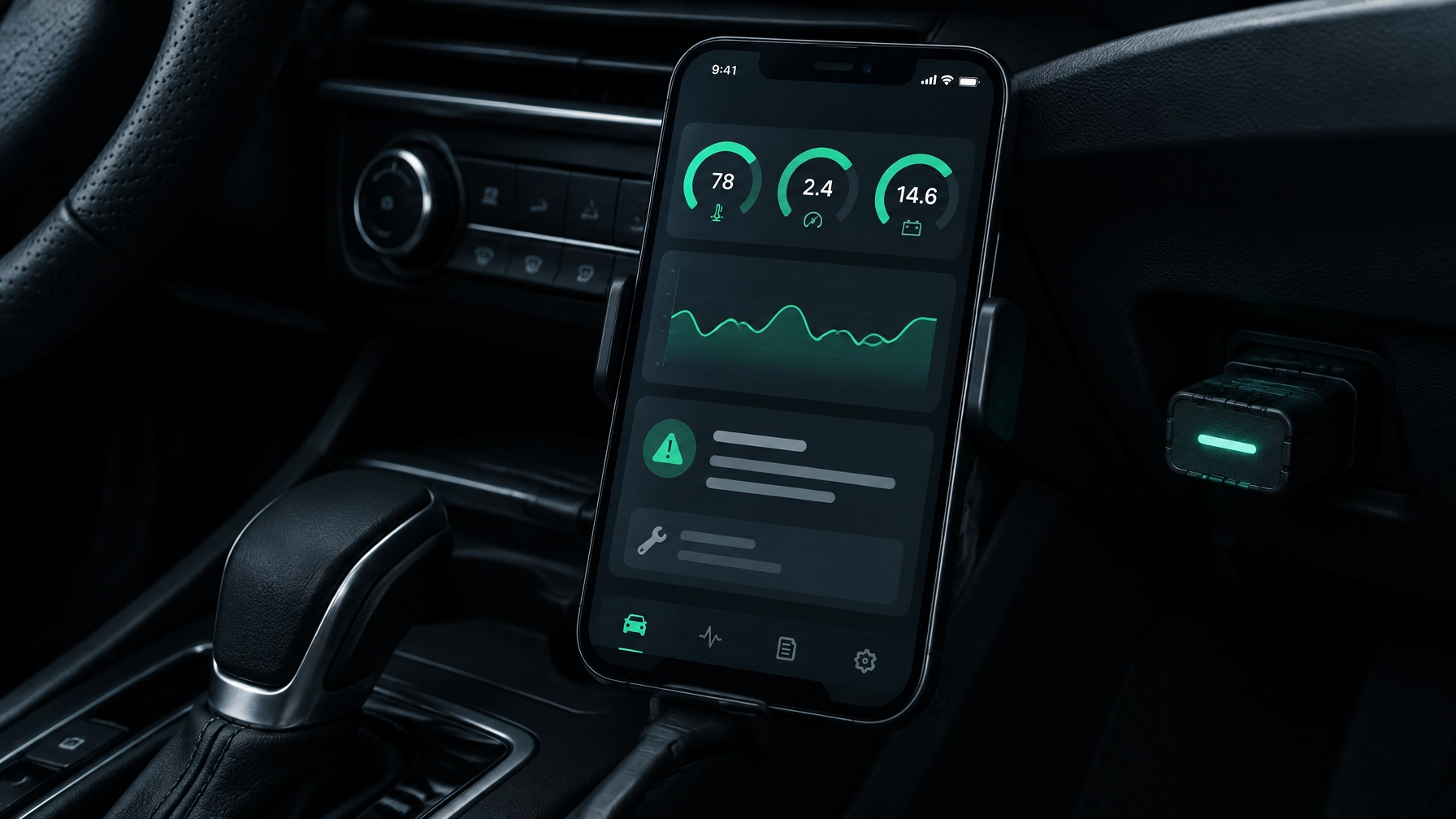
A car diagnostic tool reads trouble codes and live data from your car’s onboard computer. There are three main types: basic code readers, phone apps with an adapter, and professional scan tools. Most home users need less than a garage-grade tool.
The right choice depends on what you want to find out. A simple reader can show why an engine warning light came on, while a more capable tool can look at additional systems such as ABS or airbags.
What does a car diagnostic tool do?
Most modern cars have an OBD-II port: a standard socket that lets a diagnostic tool communicate with the car’s onboard computer. For most petrol cars, that standard applies from 2001; for diesels, from 2004.
Depending on the tool and your car, it may:
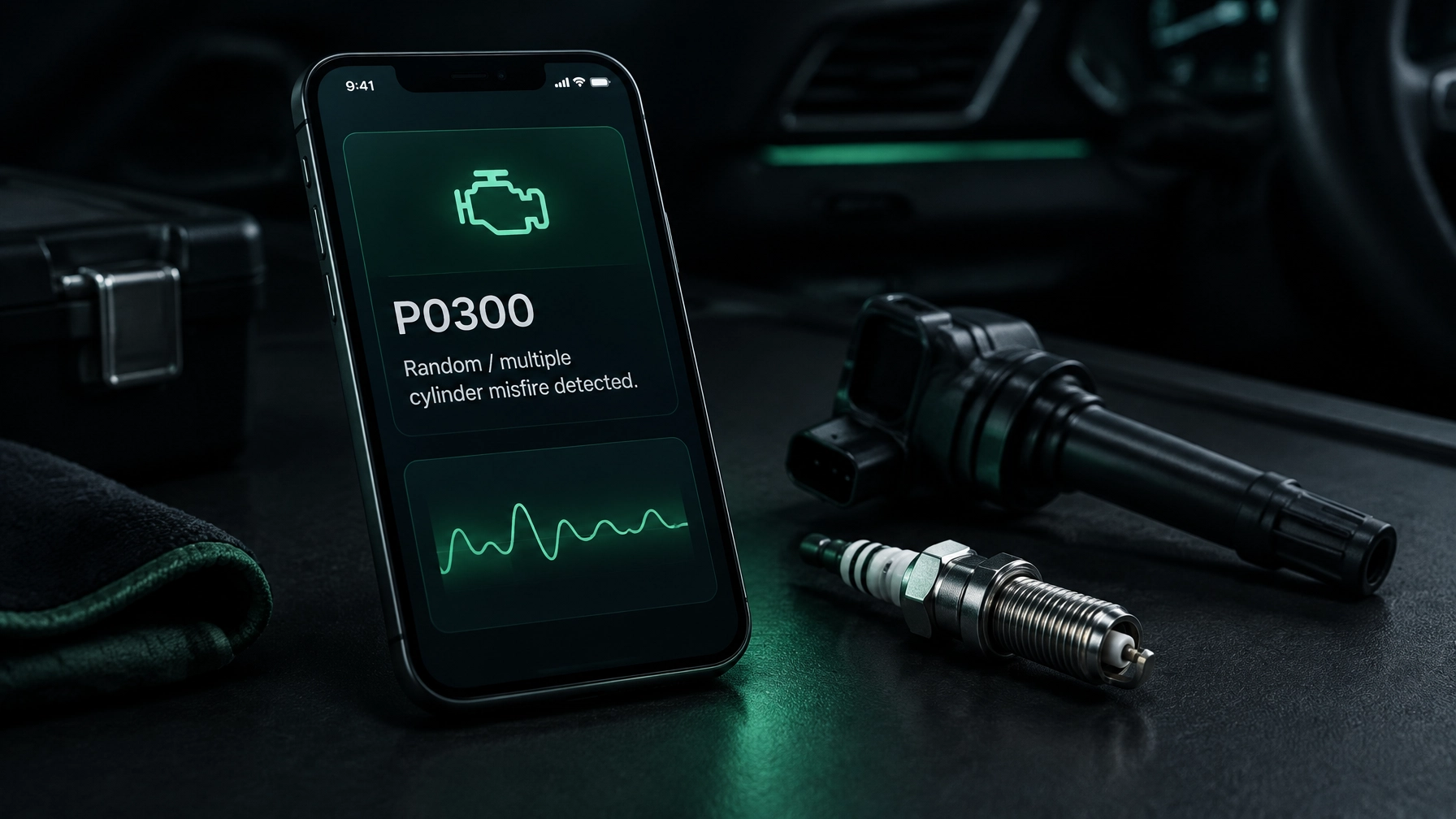
- Read a fault code, sometimes called a trouble code, stored when the car detects a problem.
- Clear a stored code or warning light. This does not fix the cause.
- Show live data, such as engine temperature or sensor readings.
- Check emissions readiness: whether the car’s emissions systems have completed their self-checks.
A code points to an area or system that needs attention. It does not always identify the failed part. Use it as a starting point, not a repair instruction.
The three types of car diagnostic tool
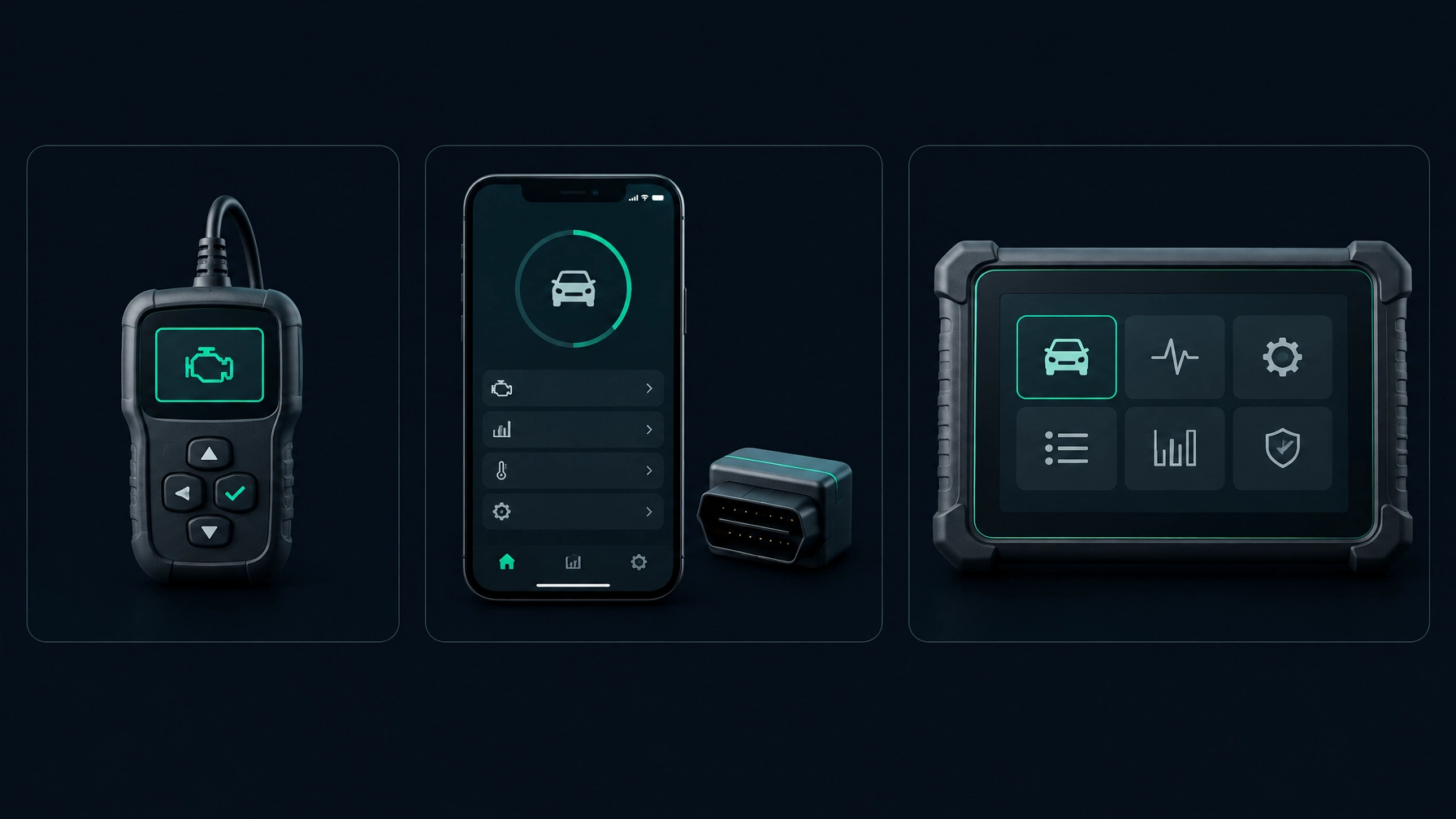
1. Basic code reader
A handheld code reader plugs into the OBD-II port and displays common engine and emissions codes. Some models also show a limited selection of live data.
Typical UK cost: around £15–£50.
Best for: drivers who mainly want to check an engine warning light or read a basic code.
A basic reader may not access other systems, such as ABS (anti-lock braking) or airbags. Features vary, so check what a specific model supports before buying. For example, Argos lists a basic OBD-II fault-code reader.
2. Phone app and adapter
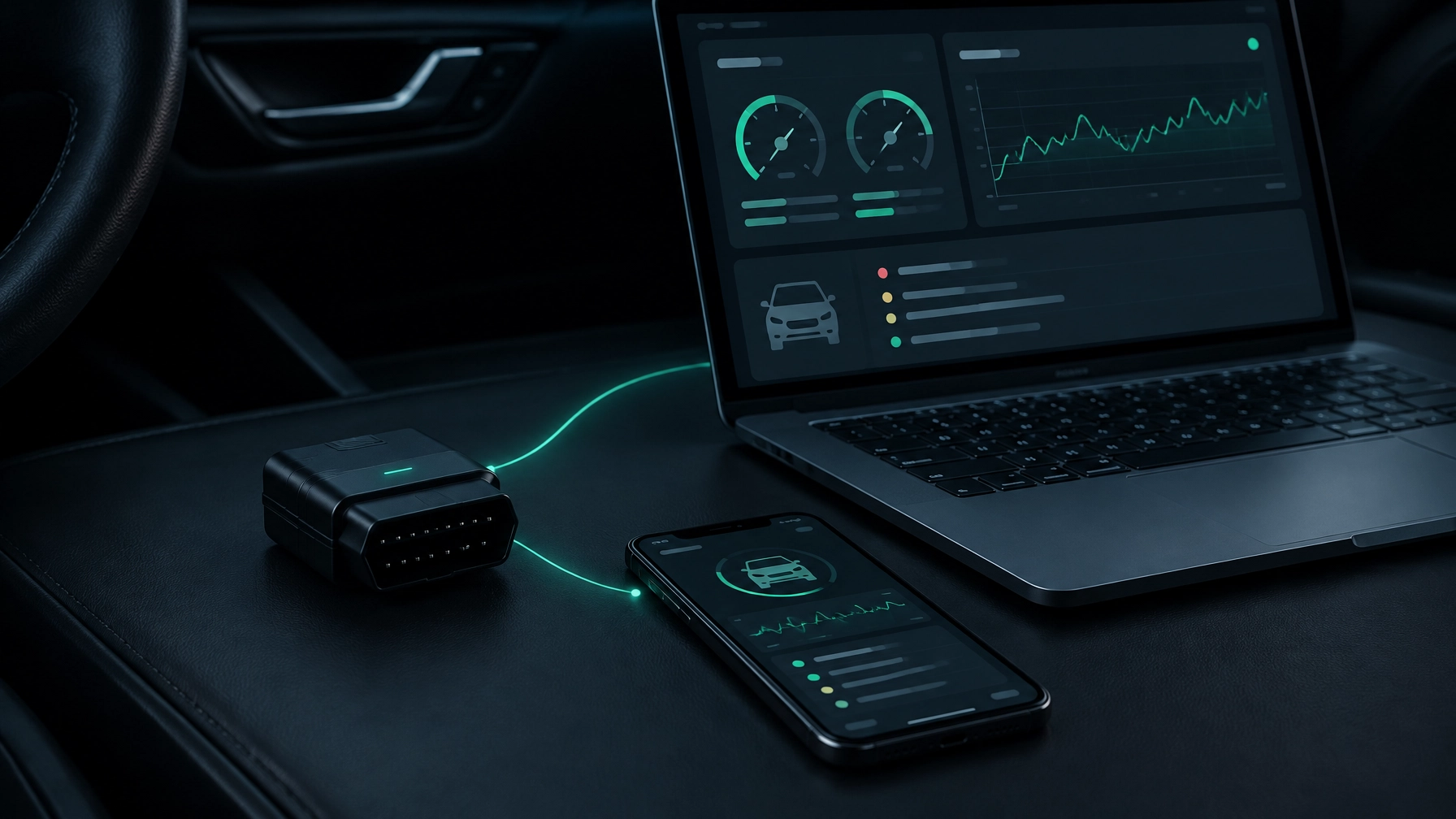
A phone app uses a small OBD-II adapter in the car’s diagnostic port. The adapter sends information to the app, which can show codes and, depending on the app and vehicle, live data.
Typical UK cost: about £10–£30 for a basic compatible adapter.
Best for: home mechanics who want a portable tool, clearer explanations and live readings on a screen they already own.
An app’s features depend on the software, adapter and car. An inexpensive adapter does not automatically provide professional-level access to every system. For a fuller comparison of the options, see our best OBD2 scanner UK guide.
3. Professional scan tool
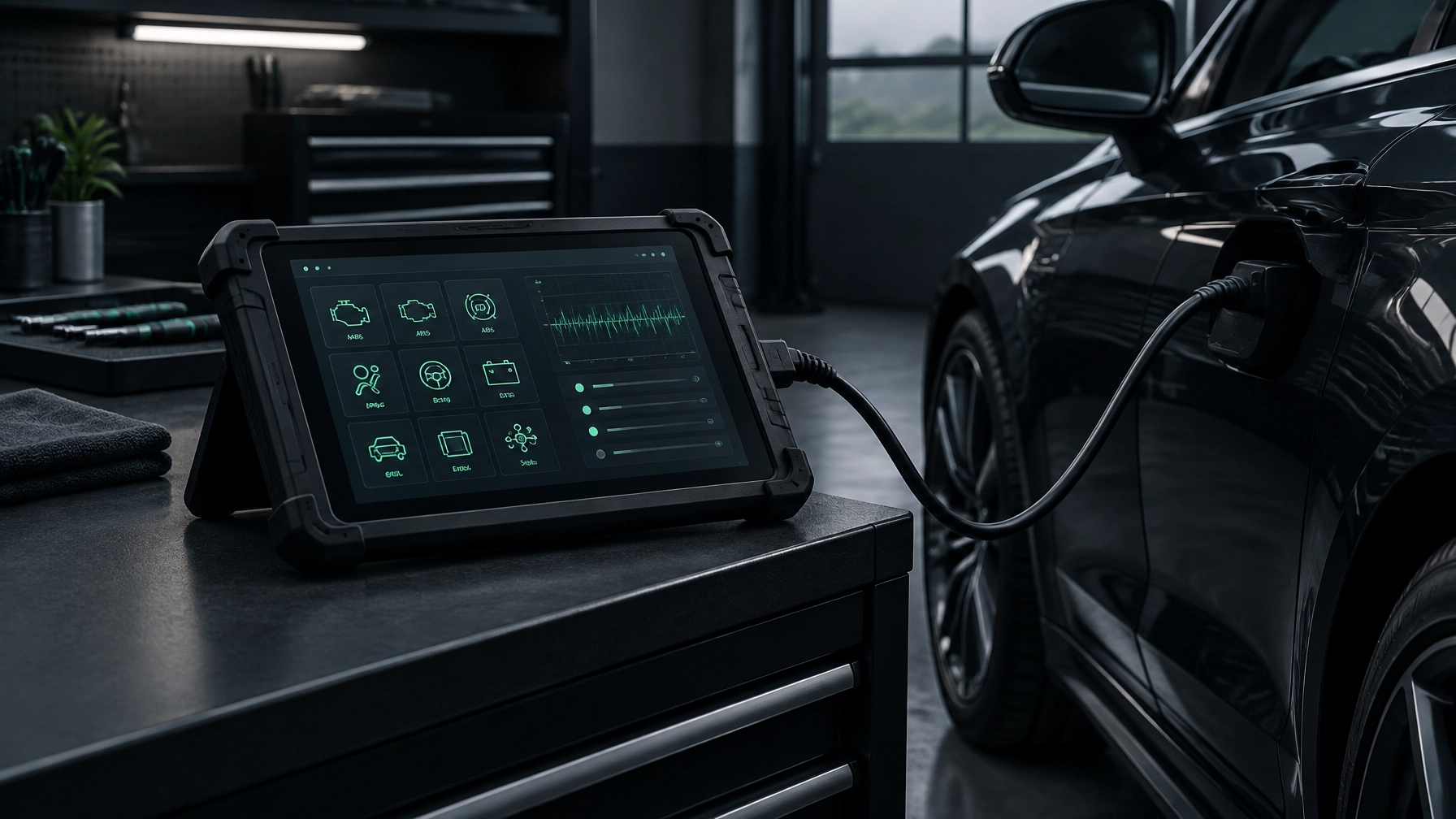
A professional car diagnostic scanner is usually a dedicated handheld device or tablet. More advanced models can scan several vehicle systems, show more live data and offer service functions. Some also support active tests, where the tool asks a vehicle component to operate.
Typical UK cost: roughly £130–£600 for many advanced DIY tools, with workshop platforms often costing £1,000 or more. Software updates or additional subscriptions may add to the cost.
Best for: regular hands-on work, independent mechanics and garages that need broader vehicle coverage. Always check that a tool supports your make, model and the functions you need.
What a garage diagnostic actually involves
A garage may use a professional scan tool to check one control module or several. The technician can then interpret the results, compare live readings and carry out further tests. That investigation matters because a code is a clue, not proof that a particular part has failed.
In the UK, a basic code read may cost around £25–£60, while a more involved diagnostic session can cost £50–£150 or more. Prices vary by garage and by how much investigation is needed. BookMyGarage’s diagnostic-check page gives an idea of the service and prices available through its booking platform.
Before booking, ask what the fee includes. Does it cover one code read or a scan of several systems? Will you get an explanation or report? Is further testing charged separately?
Which type suits you?
- You just want an engine light explained: A basic reader may be enough to retrieve a code. You will still need to work out what caused it — start with our guide to the engine management light.
- You tinker most weekends: A phone app can be a practical car scanner for reading codes and viewing live data. An AI mechanic can also help you think through a symptom.
- You work on several cars or run a garage: A professional tool may make sense if you need wider system coverage and workshop functions. Check vehicle coverage before investing.
- You do not have an adapter: You can still ask an AI mechanic about a symptom, photo or recording of a noise. It will not read the car’s stored codes without an OBD-II adapter.
For more about interpreting a code once you have it, see How to Read Fault Codes on Any Car (Without a Garage Visit). You can also visit the Diag Drive homepage to see what the app offers.
Using your phone as a diagnostic tool
With a compatible adapter, a car diagnostic app can put fault codes and live readings on your phone. The basic process is straightforward:
- Check that your car has an OBD-II port and that the app supports your vehicle.
- Choose a compatible ELM327 adapter. On iPhone, use a Bluetooth Low Energy (BLE) or Wi-Fi adapter. Android also supports classic Bluetooth adapters.
- With the car safely parked, plug the adapter into the diagnostic port and follow the app’s connection instructions.
- Read the available codes. If you want to investigate further, view live data and graphs where supported.
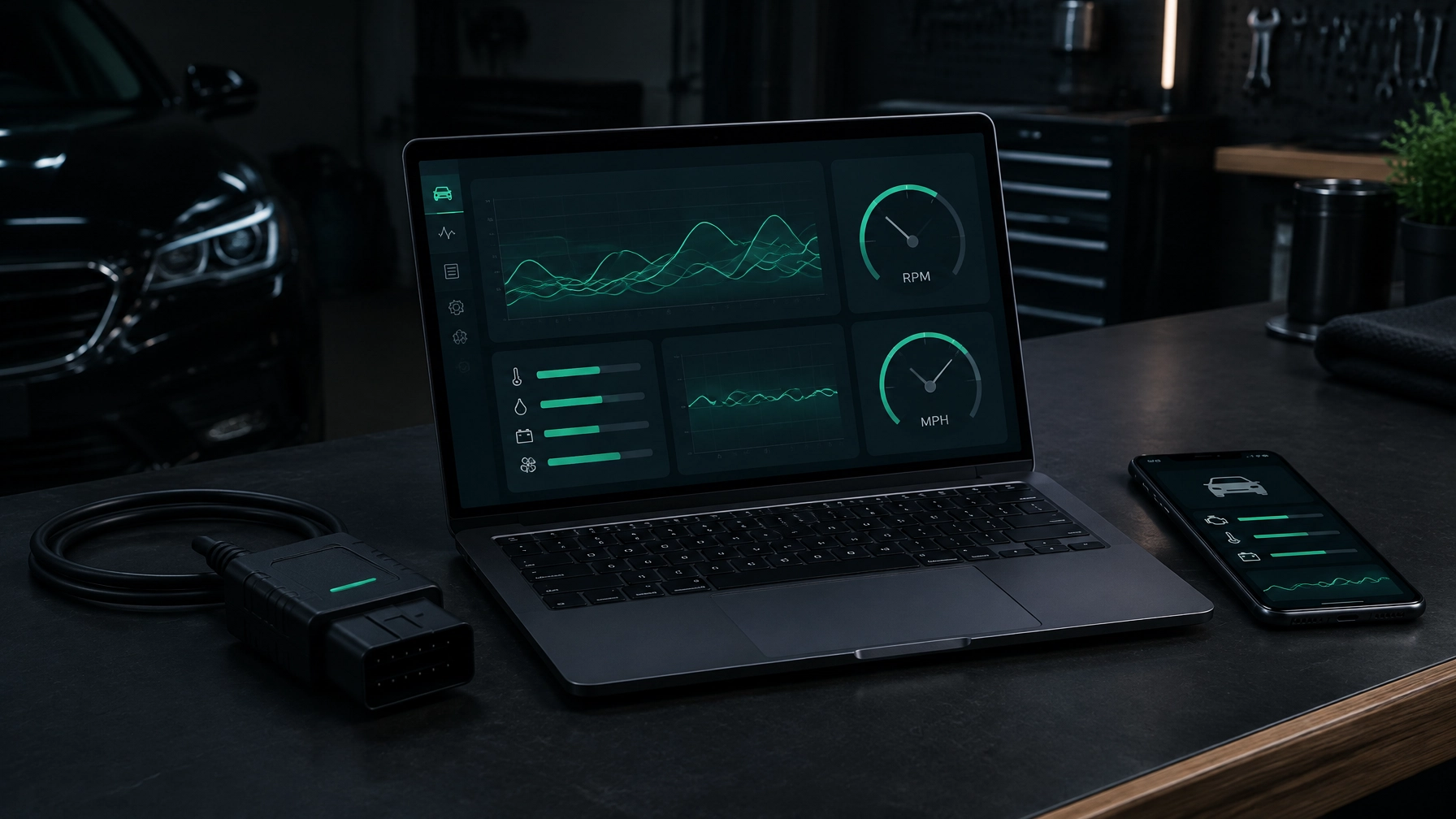
Diag Drive is an iPhone and Android app, and there’s a desktop app for Mac and Windows that also works with USB adapters. It works with petrol cars from 2001 and diesels from 2004. It explains fault codes in plain English, shows live data and graphs, and checks emissions readiness. Its AI mechanic also works without an adapter: describe the symptom, add a photo or record the noise.
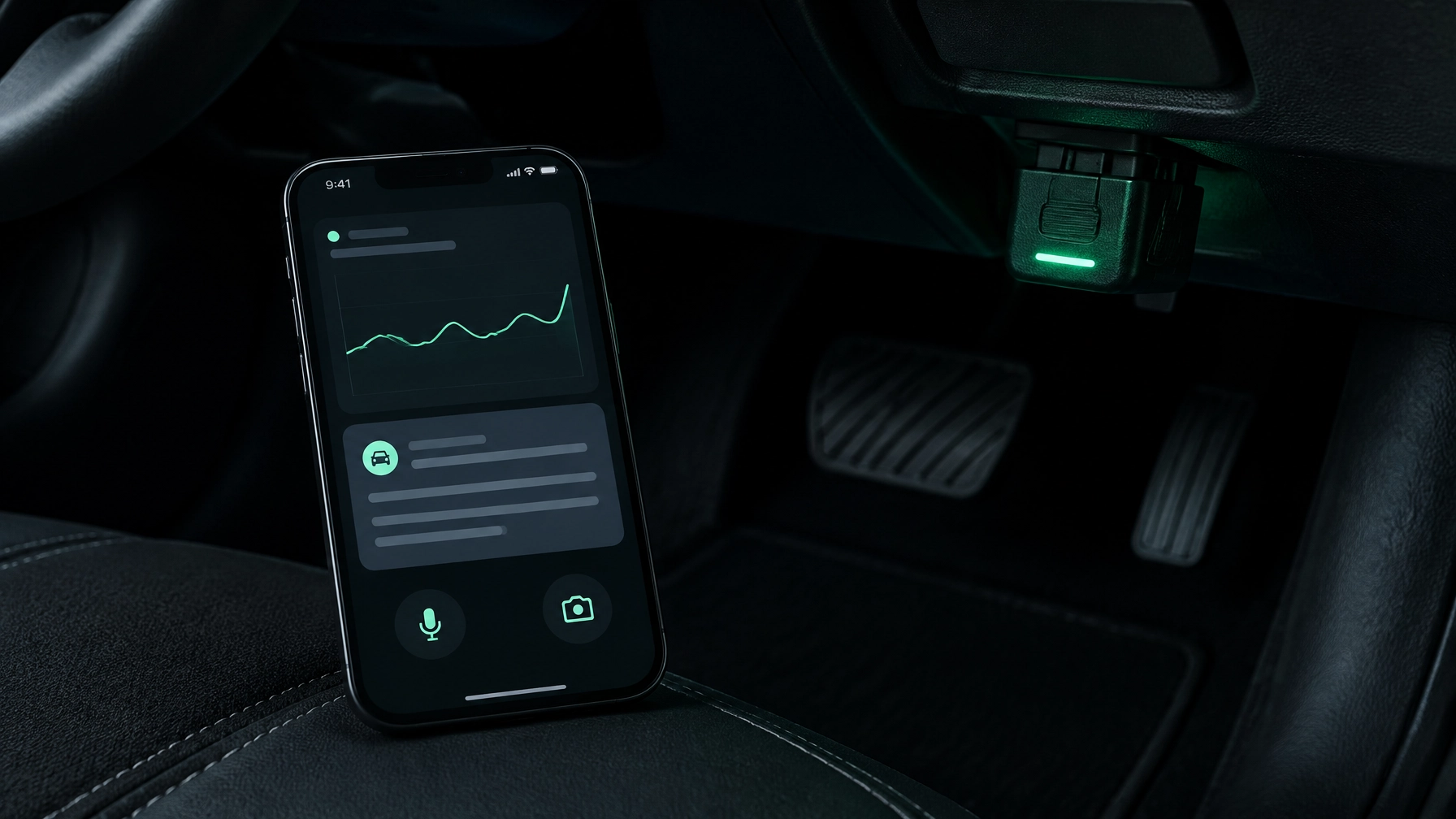
Live data can help you see what a sensor is reporting while the engine runs. It is useful context, but a reading still needs interpretation. If you are unsure what is safe to test, or the car has a serious warning, get advice from a garage.
What it costs, honestly
A basic adapter may cost around £10–£30. More advanced adapters can cost more, and the app or software may have its own charge. Compare the total cost with the features you will actually use, not just the price of the adapter.
Diag Drive includes 3 free diagnoses. The DIY plan is £1.99 per week and Pro is £4.99 per week. A garage visit can be the better choice when you need physical testing, a repair or a diagnosis that needs specialist equipment.
Frequently asked questions
What is the best car diagnostic tool for home use?
It depends on what you need. A basic reader can retrieve common engine codes. A phone app with a compatible adapter is a flexible option if you also want live data and plain-English explanations. Check vehicle and adapter compatibility first.
Can I diagnose my car with just my phone?
You can ask an AI mechanic about symptoms, photos or a recording of a noise without an adapter. To read stored codes or live data from the car, you need a compatible OBD-II adapter.
Do diagnostic tools work on all cars?
No. OBD-II coverage generally applies to petrol cars from 2001 and diesel cars from 2004 in the UK, but supported features vary by vehicle, tool and app. Older cars or some manufacturer-specific systems may need different equipment.
Is it worth buying a car diagnostic tool?
It can be worthwhile if your car is within the supported age range and you want to check codes or live data before deciding what to do next. A tool can help you avoid guessing, but it cannot guarantee a diagnosis or replace a garage when testing or repair is needed.
Can a diagnostic tool damage my car?
Reading stored codes is read-only: it retrieves information rather than changing the car’s settings. Clearing codes is different and may erase useful information or reset emissions readiness monitors. Avoid using unfamiliar coding or service functions.