 Diag Drive
Car Diagnostic Software for Mac and Windows: Your Options in 2027
SEO title: Car Diagnostic Software for Mac and Windows (2027)
Meta description: Compare laptop car diagnostic software for Mac and Windows. Learn about adapters, costs, connection types and what a home scan can tell you.
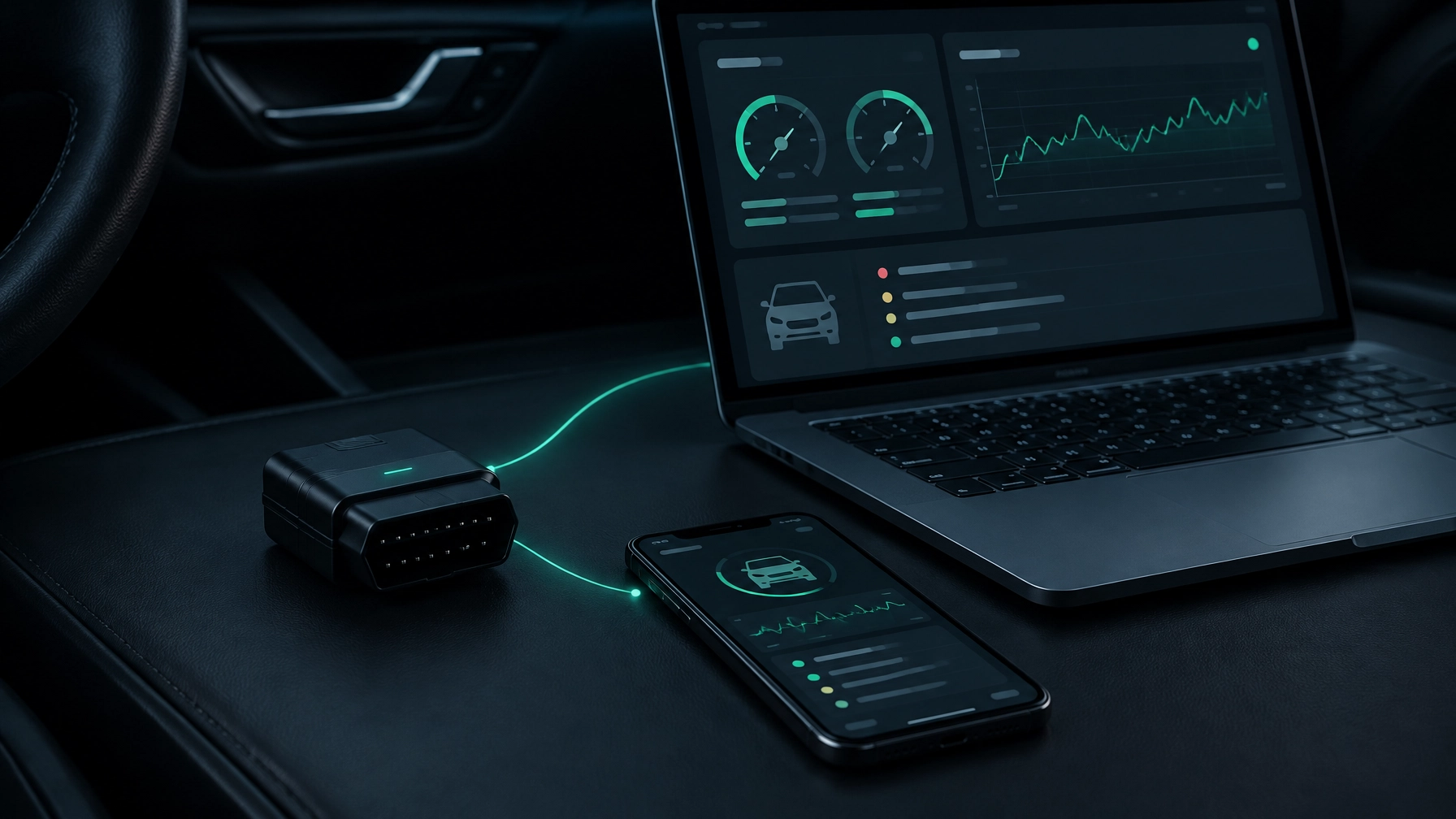
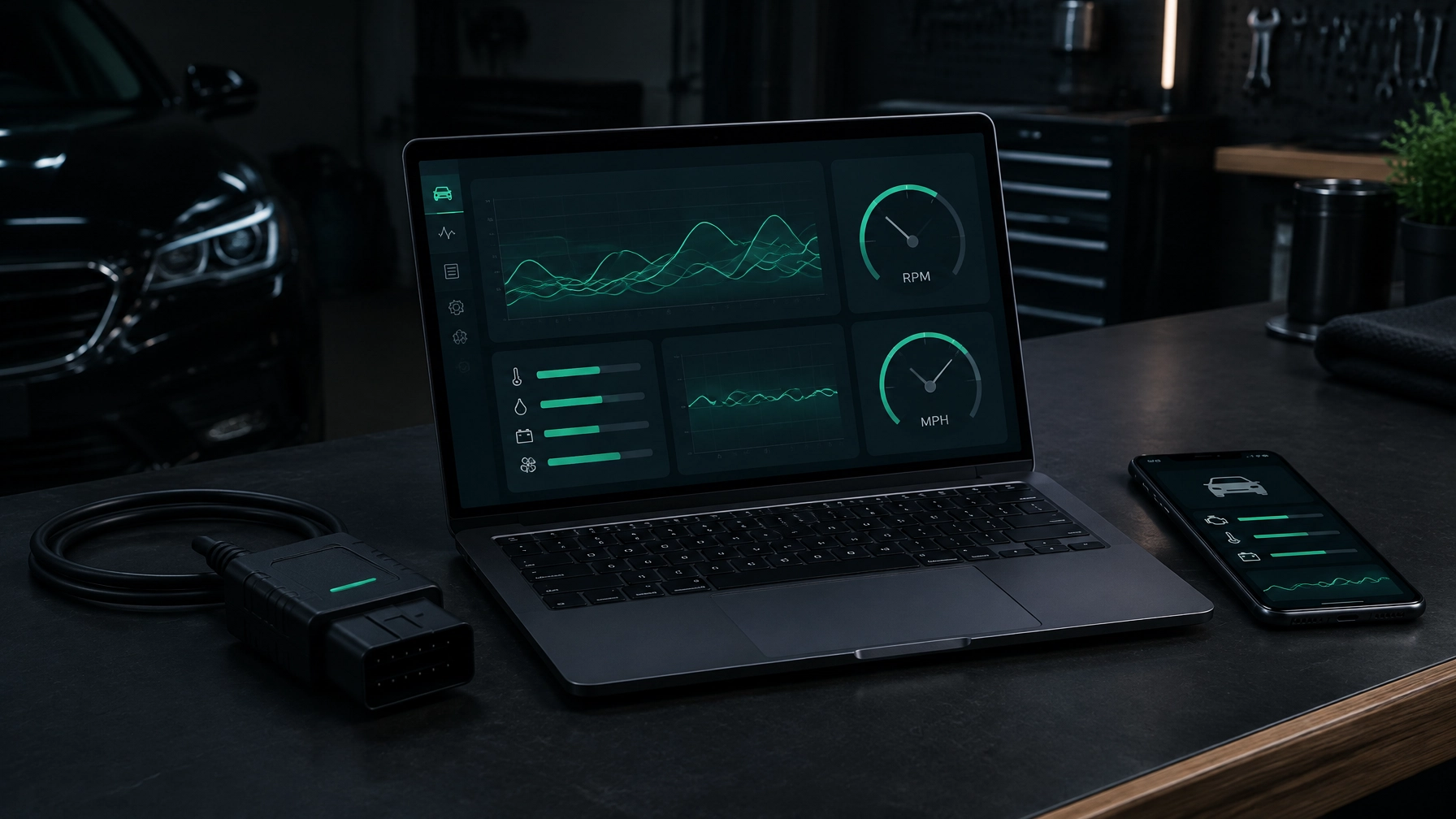
Yes, your laptop can be a useful car diagnostic tool. With an OBD-II adapter and suitable software, you can read fault codes and view live data on a larger screen. It’s particularly handy if you already have a USB OBD cable.
The best option depends on your computer, adapter and the checks you want to make. Here’s what to look for, what laptop diagnostics can and can’t do, and how Diag Drive works on Mac and Windows.
Why run diagnostics from a laptop?
A larger screen makes it easier to follow live data graphs and compare several readings. A keyboard is useful for searching, typing notes or asking questions, and a laptop can be a comfortable place to review or record data while working in the garage.
A laptop does not automatically get deeper access to your car than a phone. Both read information through the car’s OBD-II system. What you can see depends on the software, adapter, make and model. The main benefits of a laptop are the screen, keyboard and data-recording options.
What you need
To use car diagnostic software, you’ll need:
- A laptop running Windows 10 or 11, or a Mac running macOS 11 or newer.
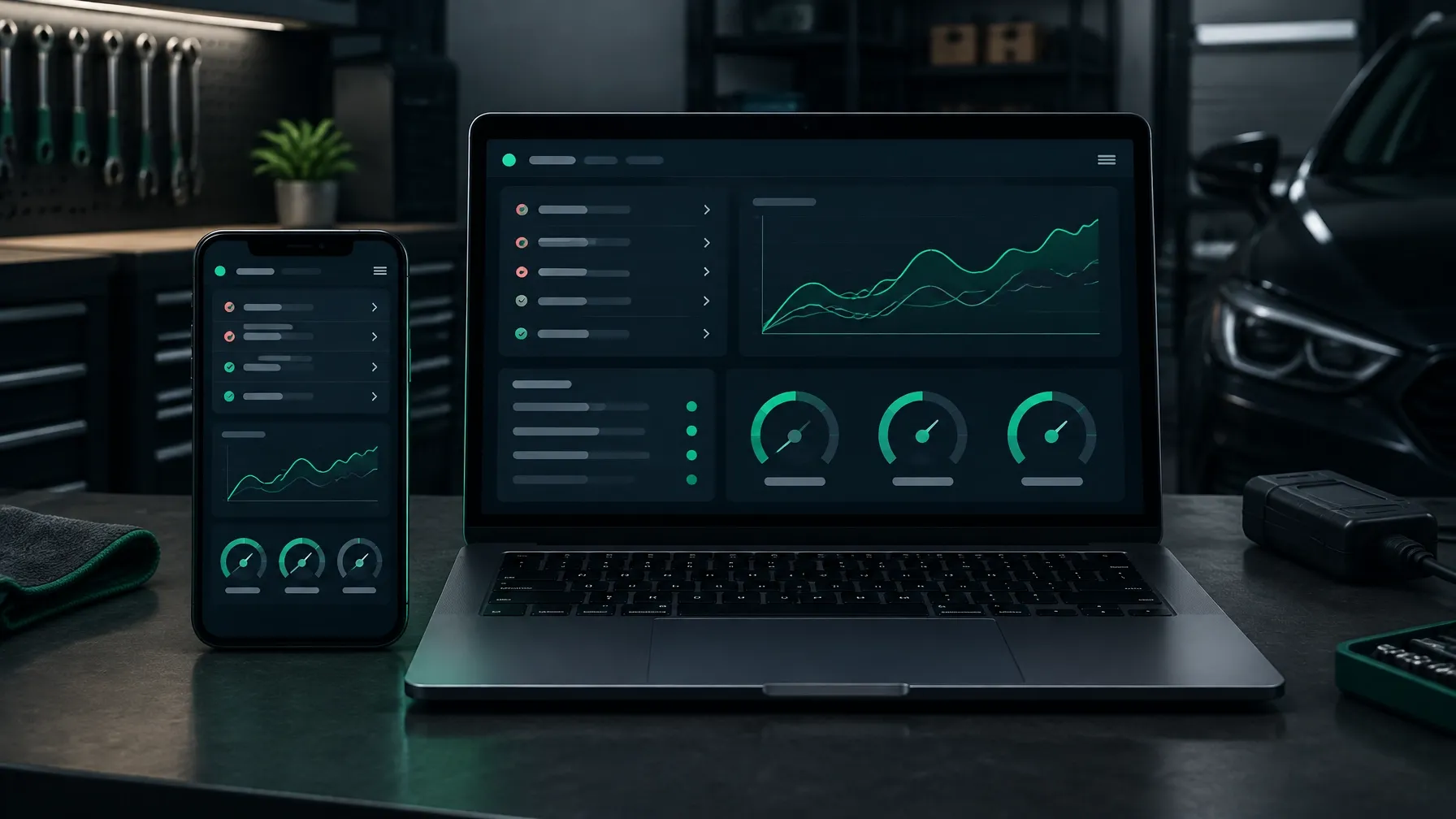
- A compatible OBD-II adapter. This plugs into the car’s diagnostic socket and sends data to the software. Diag Drive works with ELM327 and OBDLink adapters.
- Software that supports your computer and the connection type.
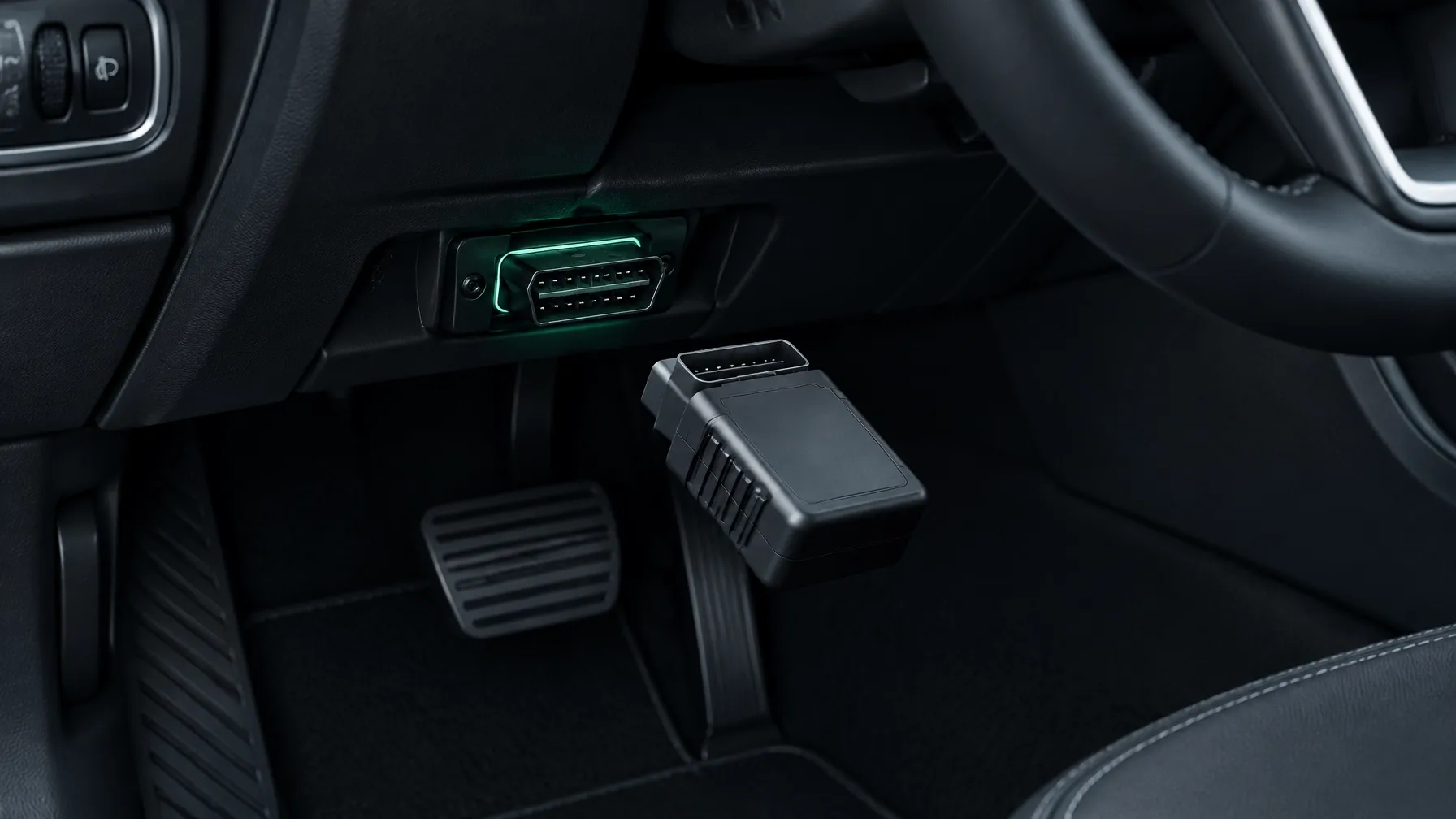
The OBD-II socket is usually beneath the dashboard on the driver’s side. Check your car handbook if it’s hard to find.
You can connect an adapter in three ways:
- USB: A direct cable connection. It is usually the most dependable for a laptop, with no wireless pairing or adapter battery to manage.
- Bluetooth: Convenient and cable-free, though you may need to pair the adapter with the computer first.
- Wi-Fi: Works well when supported, but some laptops may switch to the adapter’s network and lose their usual internet connection.
The phone app has different connection limits: it works with Bluetooth Low Energy (BLE) or Wi-Fi ELM327 adapters on iPhone, while Android also supports classic Bluetooth adapters. USB adapters do not work with phones. The Diag Drive desktop app for Mac and Windows does support USB adapters.
Your software options, honestly compared
There are three broad types of laptop diagnostic software.
Free or one-off basic readers can be a low-cost way to retrieve common engine codes. Some show a limited set of live data. Explanations may be brief, and support for other car systems can be restricted.
Modern diagnostic apps often offer more help understanding a code, live data graphs and regular software updates. Some use a subscription. Check which operating systems, adapters and vehicle functions are supported before choosing one.
Workshop platforms are made for professional use. They can cost hundreds or thousands of pounds and may include advanced functions, such as bidirectional controls. These let the software request that certain vehicle components operate. Such tools can make sense for a workshop, but they may be more than a home mechanic needs.
If you’re comparing adapter compatibility across devices, see our ELM327 software guide for iPhone, Android, Mac and Windows. For a wider overview of equipment, read Car Diagnostic Tools Explained: Types, Costs and Which One You Need.
Diag Drive on Mac and Windows
Diag Drive has a desktop app for Mac and Windows. It works with ELM327 and OBDLink adapters over USB, Bluetooth or Wi-Fi. It supports petrol cars from 2001 and diesel cars from 2004.
You can read fault codes with explanations in plain English, view and record live data graphs, and check emissions readiness. The app also supports all-module scans (checks beyond the engine, such as ABS, airbag, transmission and body systems) on Ford Transit and BMW. System access varies by vehicle, so check what’s supported for yours.
The phone app connects to the same account, so your garage is synced across desktop and phone. That gives you a larger screen at the workbench and a phone to use by the car. The AI mechanic can also help without an adapter: describe a symptom, add a photo or record the noise.
Step by step: your first laptop scan
- Check your computer and car. Diag Drive runs on macOS 11 or newer and Windows 10 or 11. It works with petrol cars from 2001 and diesel cars from 2004.
- Install and open the app. Get the desktop version for your computer.
- Connect the adapter. Plug a USB adapter into the laptop, or prepare your Bluetooth or Wi-Fi adapter.
- Plug the adapter into the car. Find the OBD-II socket, usually below the driver’s dashboard. Park safely before connecting.
- Turn on the ignition. Follow the app and adapter instructions. You may not need to start the engine to read stored codes.
- Choose the connection. Select USB, Bluetooth or Wi-Fi as appropriate. Pair the adapter if needed.
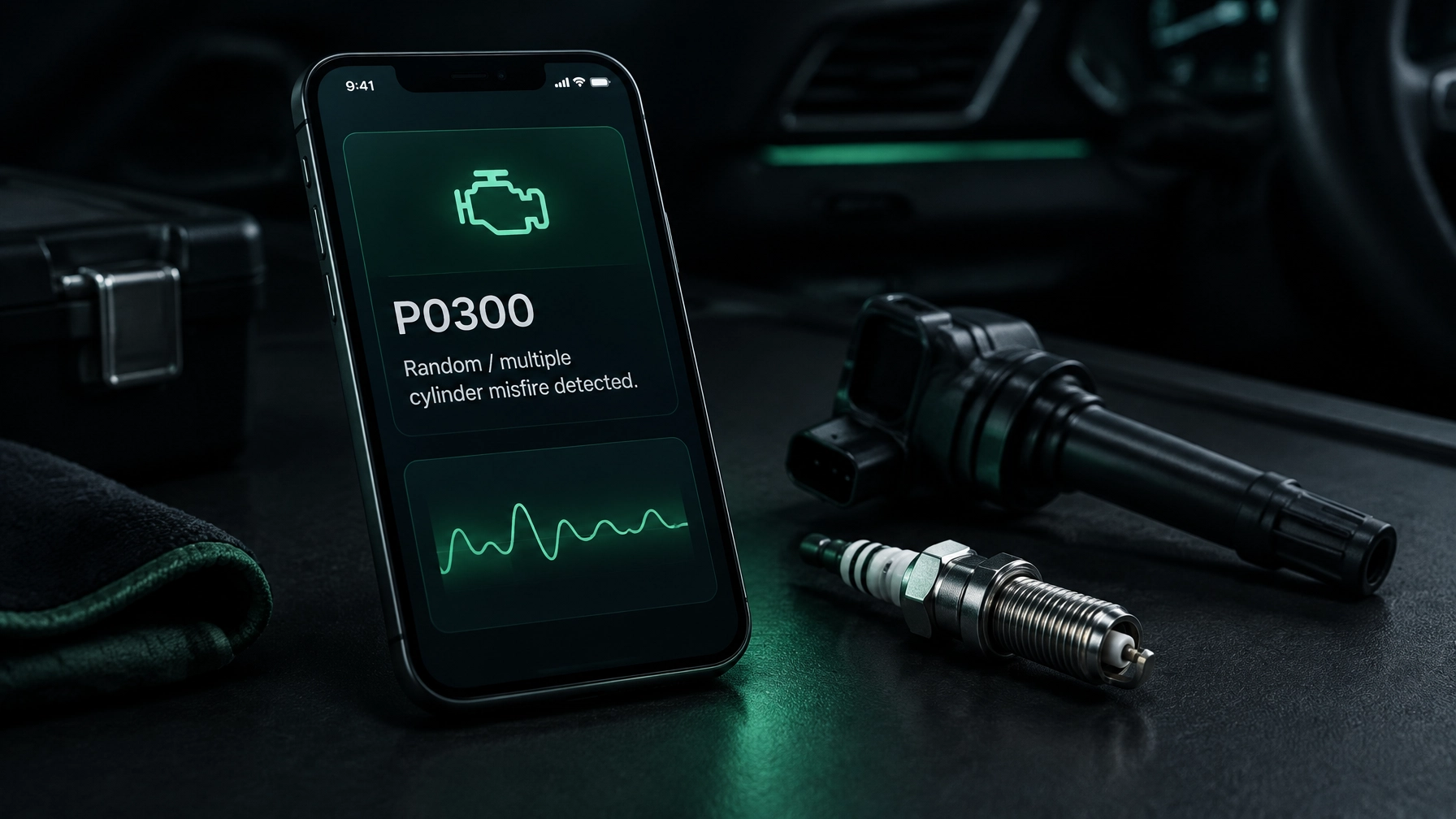
- Read the codes and view live data. Save the results before clearing any codes. A fault code points to something the car has detected; it does not always identify the exact cause.
- Record useful readings. Use the live graphs to capture data when relevant. If the cause is unclear or the fault affects a safety system, speak to a garage.
For a more detailed first-scan walkthrough, see How to Read Fault Codes on Any Car Without a Garage Visit.
What it costs, honestly
Prices vary by adapter and software. As a rough guide, a basic ELM327 adapter may cost around £10–£30. USB cables are available in a similar range, though quality and vehicle compatibility vary.
Software may be free, a one-off purchase or subscription-based. Diag Drive includes 3 free diagnoses, with DIY at £1.99 per week and Pro at £4.99 per week. Workshop platforms can cost £1,000 or more, before any extra software or update costs.
Check the total cost and supported features rather than choosing by the adapter price alone. A cheap adapter that won’t connect reliably may not be a saving.
Frequently asked questions
Can I use my laptop as a diagnostic tool?
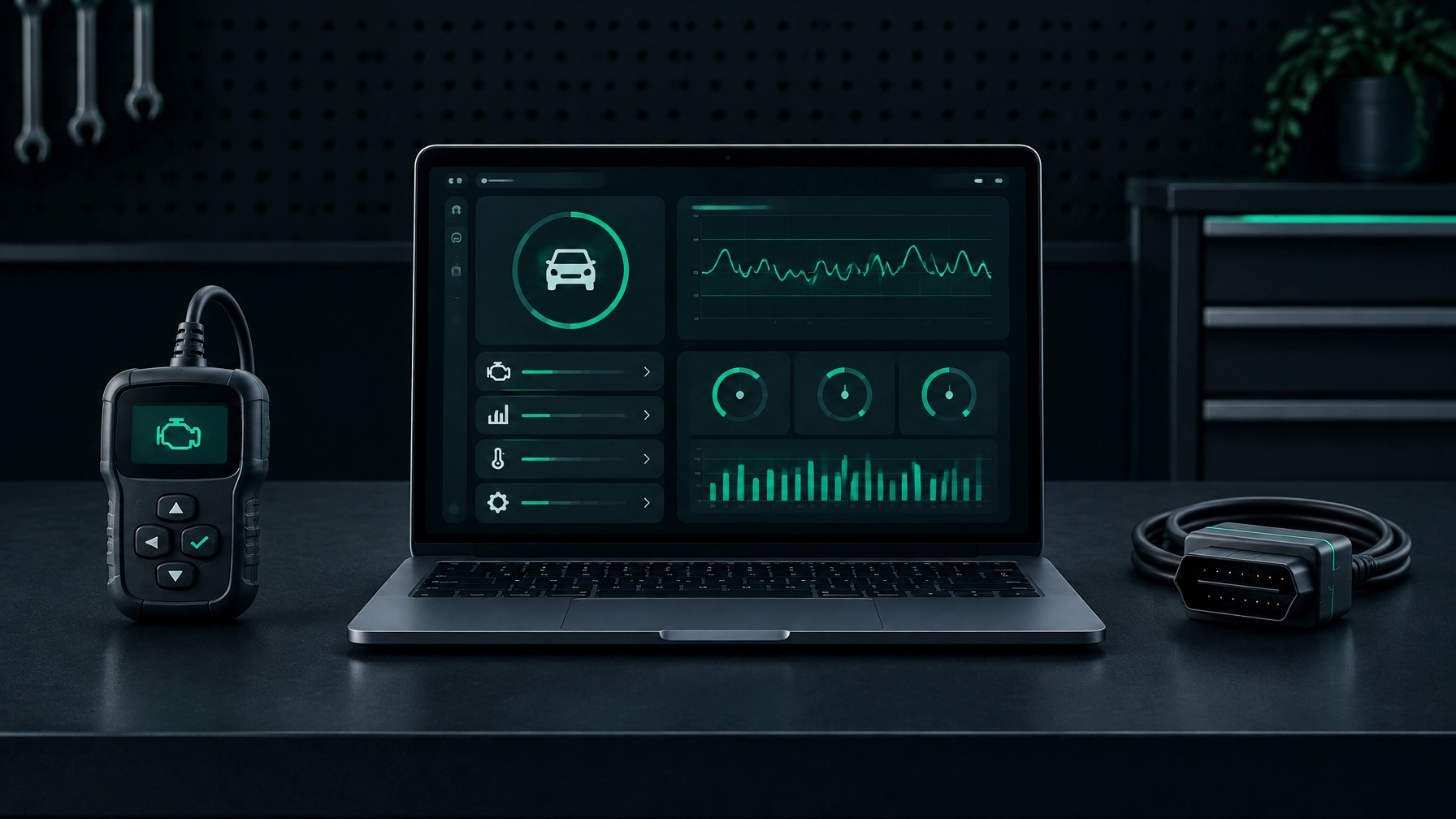
Yes. You need an OBD-II adapter and compatible software. A laptop can show fault codes and live data, but available information depends on the vehicle and the software.
What software works on Mac?
Diag Drive is one option for native Mac diagnostics, with support for macOS 11 and newer. Check compatibility with your adapter and car before connecting. A USB adapter works with the desktop app; iPhone and Android phones do not support USB adapters.
Is USB better than Bluetooth for diagnostics?
USB is often the most reliable choice for a laptop, particularly for longer sessions, because it avoids wireless pairing. Bluetooth is more convenient and removes the cable. Either can work well when the adapter and software are compatible.
Can laptop software read ABS or airbag codes?
Sometimes, but it depends on the software, vehicle make and model. Standard OBD-II access is not a guarantee of access to every system. Diag Drive supports all-module scans on Ford Transit and BMW; check coverage for your particular vehicle.
Do I need a subscription?
Not always. Some basic software is free or sold as a one-off purchase; other apps use subscriptions. Choose based on the features you need and the vehicles you work on.
Choose the setup that suits your work
For a dependable laptop connection, start with a compatible USB adapter. If you prefer to work without a cable, Bluetooth may be more convenient; Wi-Fi can be useful where supported, though it may affect your laptop’s internet connection.
Diag Drive brings desktop and phone diagnostics together, with Mac and Windows support, recordable live data graphs and plain-English fault-code explanations. Check the Diag Drive website for the supported setup, then save your scan results and ask a garage to investigate faults that are persistent, unclear or safety-related.